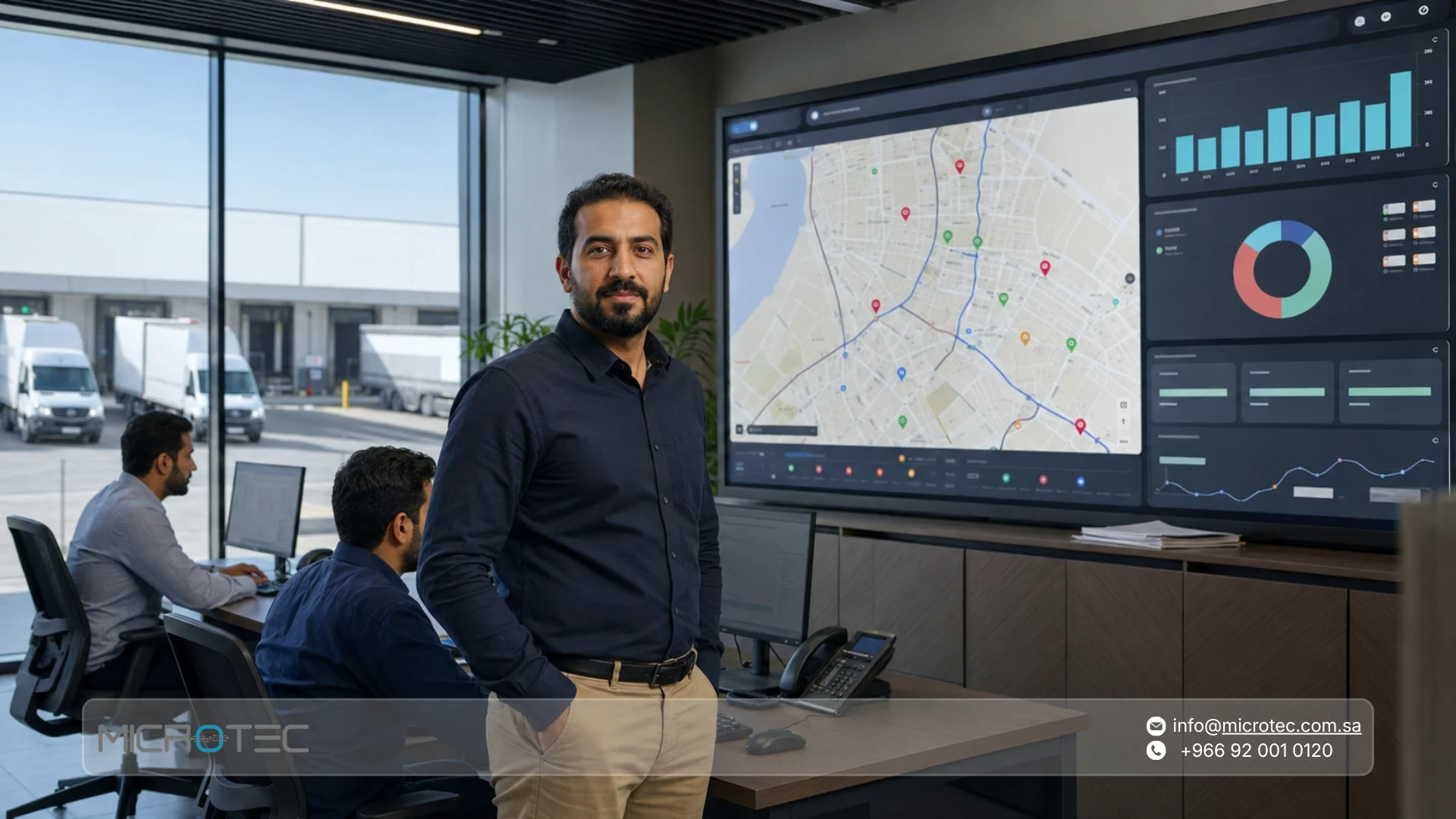
The average seller spends only 40% of their time actually selling, according to Salesforce’s 2026 global sales data. When managers also spend their day calling reps to ask where they are, which customers they visited, and why a route is running late, field-team supervision can become another source of lost selling time.
Real-time sales rep tracking software gives distribution and field-sales companies in Saudi Arabia a clearer view of rep activity, customer visits, and the transactions recorded during each route. Instead of calling every salesperson for an update, managers can review field activity alongside orders, sales, inventory, and performance data.
This guide explains how field force tracking works, why location alone is not enough to measure performance, how route data can improve sales planning, and what to check before choosing the right system for your team.
What Is Field Force Management Software and How Does Real-Time Tracking Work?
Field force management software helps companies manage employees whose work happens outside the office. For a sales organization, that means connecting the rep’s activity in the field with customers, visits, orders, sales, inventory, collections, and management reporting.
The goal is not simply to display a moving dot on a map. The real value appears when the business can connect the rep’s field activity with questions such as:
- Which customers were visited?
- Which planned visits were completed?
- What orders were created?
- What sales were recorded?
- What happened to van inventory?
- Were any collections recorded?
- Were products returned?
- What did the rep actually achieve during the route?
With O-Orange from Microtec, field-sales teams can manage orders, inventory, invoices, and field activity while connecting those transactions with the wider Microtec ERP environment. Microtec’s official product information also includes real-time inventory tracking and performance reporting on sales figures, order counts, and product performance.
What Does Real-Time Sales Rep Tracking Actually Mean?
Real-time tracking means management does not have to wait until a rep returns at the end of the day to understand what happened in the field.
Depending on the system configuration, location permissions, and workflow used by the company, managers can review field activity as reps work and connect that activity with the transactions they record.
It helps to separate three different types of information:
- Location answers where the rep is during working activity.
- Visit data shows which customer the rep visited and what activity was recorded around that visit.
- Performance data shows what resulted from the route, such as an order, sale, collection, return, or another measurable outcome.
These are not the same thing. Seeing a rep at a customer’s location does not tell you whether the visit produced a useful business result.
The Real Problem With Managing Reps Through Phone Calls
Suppose you manage 15 sales reps, and each rep has 12 planned customer visits in one day. That creates up to 180 customer visits for the supervisor to understand.
If the manager has to call reps repeatedly to ask where they are, how many customers they have visited, why a visit is late, whether an order was recorded, or whether they have already moved to the next customer, supervision itself becomes a time-consuming daily task.
There is another problem: information received over phone calls and messages is difficult to turn into structured data later.
When route and transaction information is recorded in the field-sales system, the manager can review the overall picture first and contact the rep when a specific situation actually requires attention.
Key Benefits of Real-Time Field Sales Tracking Software
The best use of tracking is not to increase how often managers check where employees are. It is to reduce the need to ask in the first place.
When route and visit information is clear, management can focus on exceptions, delays, missed opportunities, and unusual activity instead of manually checking every rep throughout the day.
How Can Managers Monitor Sales Reps Without Calling Them Every Hour?
Start by defining what the manager genuinely needs to know.
In most field-sales environments, useful questions include:
- Who has started their route?
- Which customers are planned for today?
- Which visits have been completed?
- Which scheduled visits appear delayed?
- How many orders has each rep recorded?
- What is the value of recorded sales?
- Which products are moving in the territory?
- Which activities remain incomplete?
- Does the rep’s field activity match the business results being recorded?
This gives management a more useful view than repeatedly asking a rep where they are.
At Microtec, the field-sales workflow can connect rep activity with orders, sales, inventory, and performance information, so managers are reviewing business activity rather than geographic location alone.
How Can Visit Routes and Stop Data Improve Route Planning?
Route data can help managers understand how the field day is actually being executed.
For example, imagine a rep has eight customers concentrated in one territory but spends a large part of the day moving back and forth between distant areas. The problem may not be the salesperson’s effort. It may be the way the route was designed.
Useful questions include:
- Are consecutive customers geographically close?
- Are there unnecessarily long trips between visits?
- Is the rep repeatedly returning to the same area?
- Are there unusually long stops that need context?
- Is the planned number of visits realistic for the distances involved?
- Are some territories consuming more time than their sales value justifies?
The point is not to judge the salesperson from a map. The point is to use route information to improve territory and visit planning.
Connecting Visit Data With Daily Sales Performance
A rep may complete 12 visits and produce two orders, while another completes eight visits and produces six orders. If management looks only at visit count, the first rep may appear more productive.
Once visits are connected to outcomes, the picture becomes more useful.
| Metric | What It Helps You Understand |
| Number of visits | Volume of field activity |
| Number of orders | How many visits generated an order |
| Sales value | Commercial output of the route |
| Average order value | Value generated per transaction |
| Customers with no order | Visits that may need review |
| Products sold | What is moving within the territory |
| Collections | Follow-up on customer receivables |
| Returns | Issues that may require investigation |
O-Orange provides real-time reporting that includes sales figures, order counts, and product performance, helping managers assess recorded outcomes instead of relying on visit counts alone.
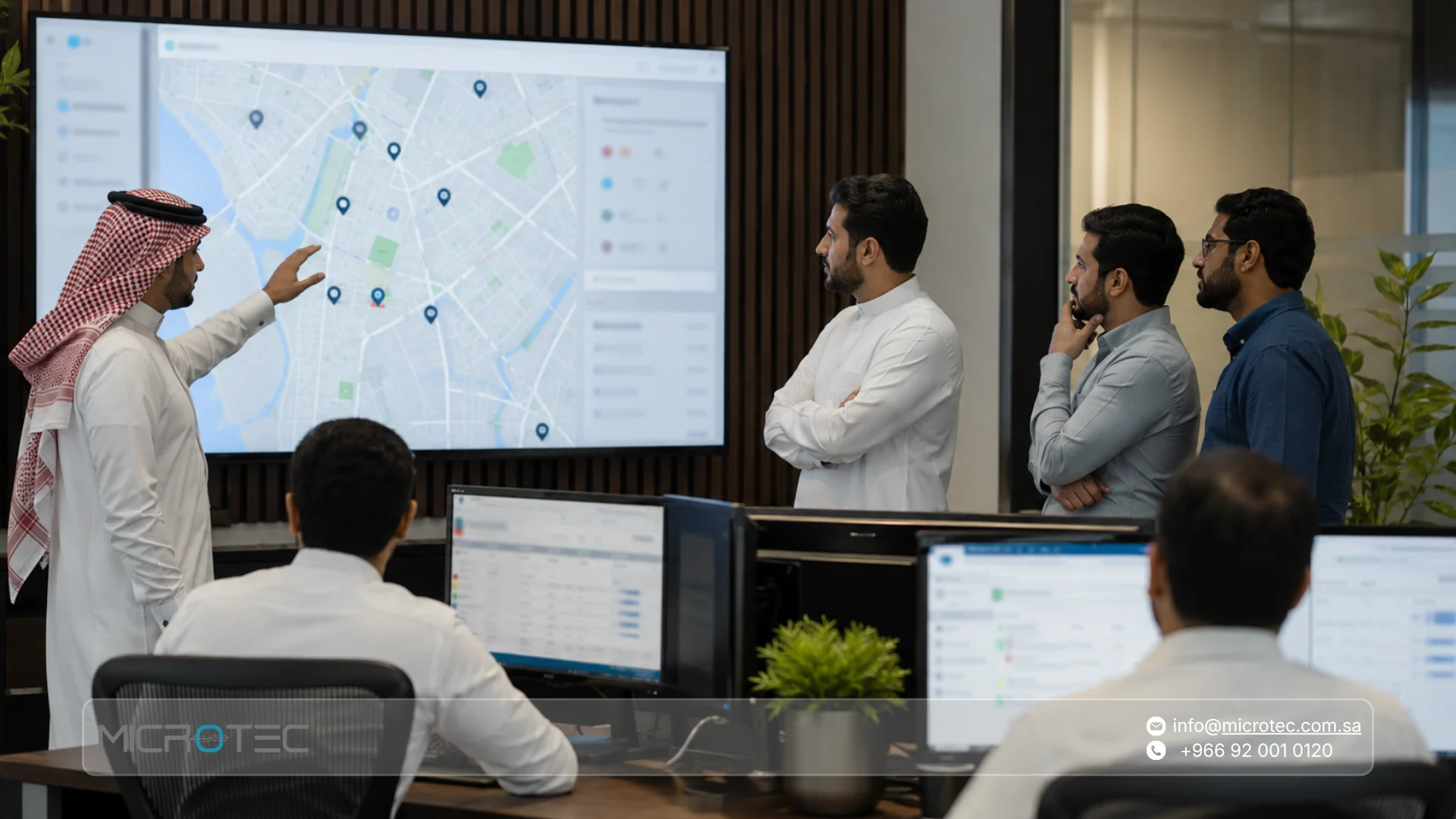
Is Sales Rep Tracking Software the Same as a Field Sales Management App?
Not necessarily. A basic tracking application may show employee location but tell the sales manager very little about what happened at the customer.
A more complete field force management app becomes useful when tracking is part of a workflow that includes:
- Customers.
- Visits.
- Orders.
- Sales.
- Invoices.
- Inventory.
- Collections.
- Returns.
- Performance reports.
If a system tells you where the rep is but not what they achieved during the visit, the company still needs another source to understand sales performance.
This is particularly relevant for FMCG and distribution companies in Saudi Arabia. A field-sales app should ideally connect route activity with the sales and inventory transactions the rep is responsible for, rather than functioning as an isolated GPS tool.
How Do You Monitor Your Field Team From the Office, Step by Step?
Effective monitoring begins before the salesperson reaches the first customer. Route planning, territory assignment, visit recording, and end-of-day review should form one connected process.
1. Define the Customers to Be Visited
Start with a clear list of customers that need attention during the route. Avoid building the day around a long unprioritized customer list that leaves every decision to the rep.
2. Organize Customers by Territory
Group nearby customers where practical. Poor territory planning can leave a rep spending too much of the working day travelling instead of selling.
3. Review the Start of Field Activity
Once routes begin, management can review the team’s activity without waiting for end-of-day reports.
4. Follow Completed Visits
Do not look at location alone. Review which visits and business activities were actually recorded.
5. Connect Every Visit With an Outcome
Ask what happened during the visit. Did the customer place an order? Was a sale completed? Was a payment collected? Was it a follow-up visit with no transaction?
A visit becomes more useful as management data when its purpose and result are understood.
6. Review Missed Visits
A visit that did not happen can have several explanations. The customer may have been closed, asked to reschedule, the rep may have been delayed, priorities may have changed, or the original schedule may have allowed too little time.
Recording or reviewing the reason helps management improve future planning rather than treating every missed visit as the same type of problem.
7. Review the Route at the End of the Day
Compare planned visits with completed visits, orders, sales, collections, inventory activity, and any customers that need follow-up the next day.
This creates a clearer picture of what the route achieved instead of reducing field management to a location history.
How Do Sales Territories Help Organize Field Reps?
Allowing every salesperson to move freely across all customers can create unnecessary overlap and inefficient coverage. Two reps may visit the same customer, some areas may receive too little attention, and others may require far more driving than their customer potential justifies.
Dividing customers into defined territories or sales areas helps management distribute work according to customer volume, distance, sales potential, and rep capacity.
Recorded field data can then be used to review whether those territories still make sense. A geographically small area may contain so many customers that it requires another rep, while a large territory may have relatively few accounts and need a different visit frequency.
Territories should therefore be reviewed using actual field activity rather than remaining fixed simply because that is how the team has always been organized.
14 Things to Check When Choosing Field Force Management Software
Choosing the best field force management software for your company requires more than asking whether the product includes GPS. Test the complete workflow your field team will actually use.
- Rep movement: Does the system provide the level of field visibility your company genuinely needs?
- Location and customer visits: Can field activity be connected to a customer visit instead of showing location alone?
- Customer records: Can reps access the customer information required during the route?
- Order entry: Can an order be recorded directly from the field?
- Sales outcomes: Can visits be connected with recorded sales?
- Inventory: Can the rep see the inventory information relevant to the company’s sales process?
- Van stock: If products are sold from vehicles, can management monitor mobile inventory?
- Collections: Can payments received in the field be recorded within the appropriate workflow?
- Returns: Are product returns handled through a defined process?
- Reporting: Can managers compare activity across reps, customers, orders, and products?
- Permissions: Can the company control what data and functions each user can access?
- Integration: Do field transactions connect with sales, inventory, and accounting?
- Privacy controls: How are location permissions, working hours, and access to tracking data handled?
- Realistic demo: Can you test an actual route and customer workflow before committing?
The most important test is the rep’s complete working journey, not the map screen alone.
How Can Managers Identify Late Visits Without Constant Manual Follow-Up?
Not every delay requires an automatic alert.
In many cases, a clear comparison between the planned route and recorded activity is enough to show managers where intervention may be needed.
Suppose four customers were supposed to be visited before noon, but the system shows activity for only one. The next step is to understand why. The first appointment may have taken longer than expected, a customer may have rescheduled, road conditions may have changed, the rep may have encountered a problem, or the original route may simply have been unrealistic.
If your company requires specific notifications when a rep is late, misses an appointment, or moves outside a defined scenario, treat that as an implementation requirement. Confirm and test the exact alert functionality before rollout rather than assuming every tracking platform handles alerts in the same way.
Location Alone Is Not Enough to Measure Sales Rep Performance
It is easy to make the mistake of equating a salesperson’s location with performance. Being physically present at a customer’s site does not mean the visit was productive, while a high-performing rep may occasionally be delayed for a valid operational reason.
A more useful evaluation combines several dimensions:
- Route execution: Is the salesperson completing the planned field activity?
- Coverage: Are the required customers being reached consistently?
- Results: Are visits producing orders, sales, or other expected outcomes?
- Collections: Is the rep following up on outstanding customer payments where this is part of the role?
- Consistency: Is customer coverage being maintained over time?
- Data quality: Are field transactions being recorded correctly?
This turns field force management software into a sales-management tool rather than a geographic surveillance tool.
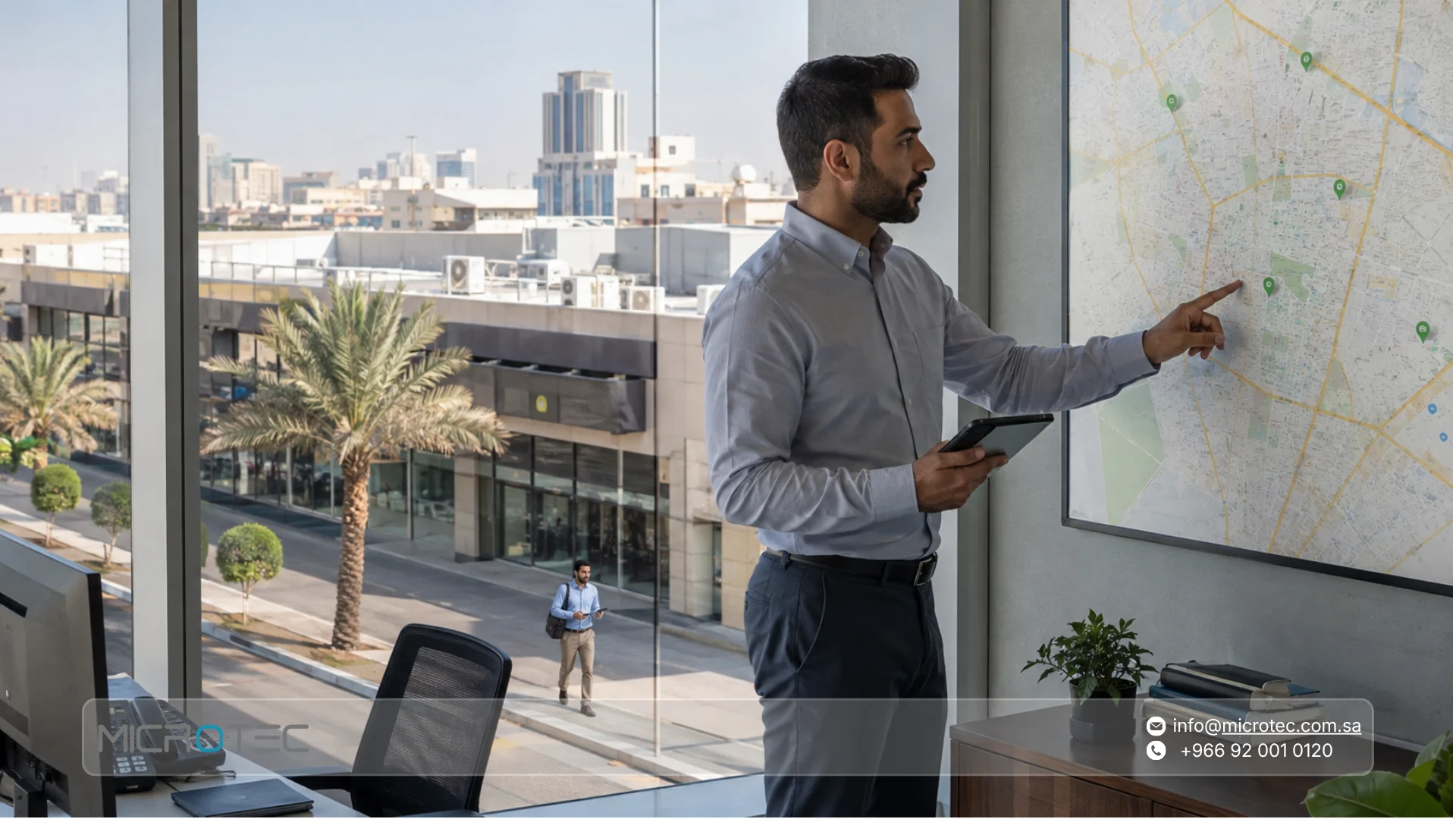
Microtec O-Orange: Connecting the Rep With the Transaction
At Microtec, O-Orange supports field-sales teams and distribution companies by connecting activities performed outside the office with the wider sales process.
The platform supports order and invoice management, real-time inventory tracking, and performance reporting, while integration with the Microtec ERP environment connects field activity with inventory and accounting.
This changes the manager’s questions from simply asking where the rep is to asking:
- Which customer is being served?
- Which visits were completed?
- What was recorded?
- What was sold?
- What happened to inventory?
- What business result came from the route?
Microtec vs. Manual Phone-Call Check-Ins
| Comparison | O-Orange Workflow | Phone Calls & Messages |
| Field activity | Recorded through the system according to the setup | Manager asks the rep for updates |
| Customer visits | Can be connected with field activity | Information arrives through separate messages |
| Orders | Recorded within the sales workflow | May be sent through a message or paper form |
| Sales | Available as structured performance data | Often consolidated later |
| Inventory | Connected with field-sales operations | Checked separately |
| Reporting | Data can be compared across transactions | Requires manual compilation |
| Managing multiple reps | Centralized field and sales information | Increasing number of calls as the team grows |
| Activity history | Stored through recorded transactions | Difficult to reconstruct from conversations |
| ERP connection | Integrated with the Microtec environment | Requires separate entry or reconciliation |
How Should You Measure the Impact of Rep Tracking?
Avoid judging a tracking system from a general claim such as reducing visit time by a fixed percentage. Establish your own baseline before implementation, then compare the same indicators after the system has been used for a meaningful period.
Useful metrics may include:
- Average daily visits per rep.
- Percentage of planned visits completed.
- Orders recorded per rep.
- Visit-to-order conversion.
- Average order value.
- Time between the field order and the internal sales process.
- Number of calls managers make simply to determine rep status.
- Number of transactions that still require duplicate entry.
- Van inventory discrepancies.
- Route or travel indicators when the required data is available.
After a month or another appropriate operating period, management can see where the process actually improved and where further changes are needed based on its own data, not a marketing result from another company.
How Should Rep Privacy Be Handled When Location Tracking Is Used?
Rep tracking should have a clear business purpose. It should support route and sales management, not become an undefined system for monitoring employees’ personal lives.
This is especially important in Saudi Arabia. The Saudi Personal Data Protection Law requires the purpose of collecting personal data to be directly related to the controller’s purpose, and the data collected should be limited to the minimum amount necessary. It also requires controllers to make a privacy policy available that explains matters including the purpose of collection and how data is handled.
Companies using location-based field tools should therefore define clearly:
- Why location data is needed.
- When tracking is used.
- What data is collected.
- Who can access it.
- How the information is used in field management.
- How long relevant data is retained.
- What happens outside working hours.
- Which permissions are required on the rep’s device.
If your company needs specific technical controls around tracking hours or location access outside scheduled work, verify those requirements with the implementation team before deployment rather than assuming the system behaves in a particular way.
Manage Route Results Instead of Managing Your Team Through Phone Calls
If supervisors spend a significant part of the day calling sales reps simply to understand where they are and what they have completed, the problem is not only the number of calls. It is that field information is not reaching management through a structured workflow.
With O-Orange, Microtec connects field activity with orders, sales, inventory, and reporting so managers can review what is happening in the market as part of the wider sales process.
If you are looking for real-time field sales tracking software for a distribution company or mobile sales team in Saudi Arabia, contact us & request an O-Orange demo from Microtec and test it with a real route from your business.
Assign customers to a rep, review the visits, record actual sales activity, and then evaluate the route from the office before you make your decision.
Frequently Asked Questions About Real-Time Sales Rep Tracking
1. Does Rep Tracking Require a Constant Internet Connection?
That depends on the system architecture, synchronization requirements, and the implementation setup being used.
If your field team regularly works in areas with weak connectivity, include this scenario in the demo and confirm how the required functions behave before implementation. Do not assume that every feature will work identically without a connection.
2. Can You See How Long a Rep Spent at Each Customer Visit?
Route and visit data can help companies understand the rep’s field activity, but how visit duration is calculated depends on the way visits are recorded and the specific functions enabled in the system.
If exact visit duration is a key performance indicator for your company, ask to test that requirement explicitly during the demo.
3. Does the System Track Rep Performance or Just Location?
O-Orange is designed for field-sales management rather than location tracking alone. Its official feature set includes sales activity, orders, inventory tracking, and real-time performance reporting in addition to field operations.
This allows management to evaluate recorded business outcomes rather than judging a salesperson only by where they appear on a map.
4. Does Tracking Respect Rep Privacy Outside Working Hours?
Tracking should be implemented through a clear company policy that defines its business purpose, required permissions, collected data, access rights, and the circumstances in which tracking is used.
In Saudi Arabia, organizations also need to consider applicable personal-data protection requirements. If your business needs a particular technical configuration to limit tracking to defined working hours, confirm and test that setup before deployment.
5. How Can I Monitor Field Sales Reps From the Office?
Start by defining customer routes, then review visits and the business transactions recorded by each rep rather than relying on phone calls for status updates.
For a more useful management view, connect field activity with outcomes such as orders, sales value, collections, returns, and inventory movement instead of looking at location alone.
6. What Is the Difference Between Sales Rep Tracking Software and Field Sales Management Software?
A basic tracking tool may focus primarily on employee movement or location.
Field sales management software is broader. It can connect customer visits with orders, sales, invoicing, inventory, collections, returns, and reporting.
If your goal is to manage the entire rep workflow, look for software that connects tracking with sales activity rather than relying on a separate GPS application.
Sources
- Salesforce – Global Sales Statistics
- Microtec – O-Orange Field Sales Management
- Saudi Data & AI Authority – Personal Data Protection Law