
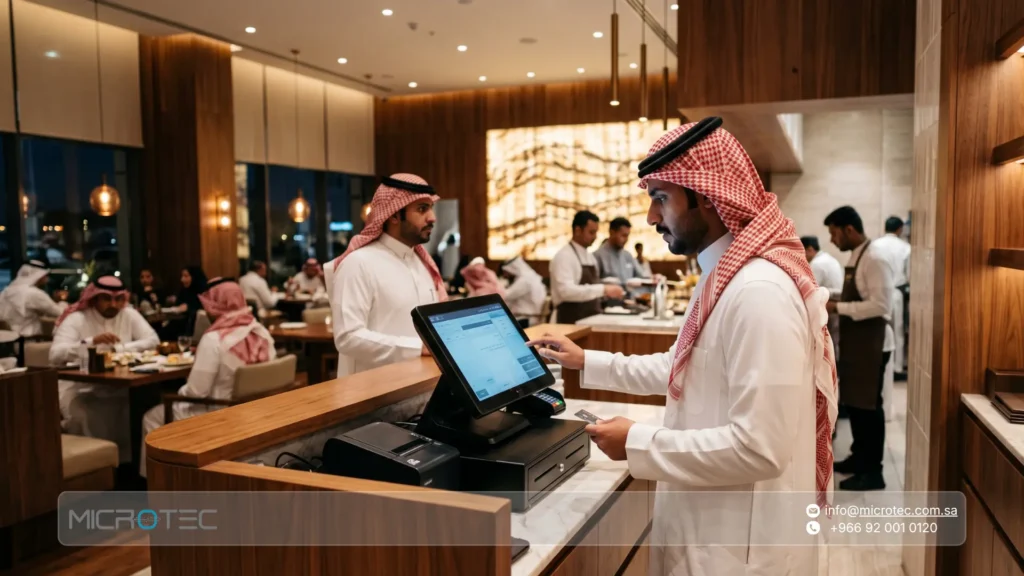
In the era of digital transformation across business sectors in Saudi Arabia, managing sales through manual methods is no longer the right option for businesses seeking growth. A POS system has therefore become a central solution for virtually any commercial activity, whether it is a busy restaurant handling large volumes of orders or a retail store managing thousands of products every day.
Many business owners struggle with fragmented data, calculation errors, and difficulties reconciling inventory. This creates an urgent need to understand how these systems work and how to choose the most suitable solution.
In this comprehensive guide, we answer the question: what is a POS system? We also explain how Microtec solutions can transform operational challenges into an integrated business ecosystem that works seamlessly while supporting local requirements in Saudi Arabia.
POS System Definition: What Does POS Mean Historically and Technically?
To understand the system more clearly, we should first provide an accurate definition of a POS system. The term POS stands for Point of Sale.
- Historically, the meaning of POS was limited to the physical location where a customer handed over money and received the purchased goods, such as a traditional cashier counter.
- From a modern technical perspective, however, the answer to what is a POS system goes far beyond a cash drawer and calculator. It has evolved into an integrated hardware and software ecosystem that acts as a centralized platform for managing revenue, deducting inventory, and analyzing purchasing behavior.
Simple definition: A POS system is a network of interconnected hardware and software used to process sales and purchasing transactions in real time, issue tax invoices, and automatically update inventory and accounting information to provide a comprehensive view of business performance.
To ensure that the system operates efficiently, it is important to recognize that the accuracy of any POS system ultimately depends on the accuracy of the information entered into it on a daily basis. Modern POS system solutions are designed to minimize manual intervention and reduce the possibility of human error.
POS System Fundamentals
Many entrepreneurs ask: what is POS system technology made of, and what components operate behind the scenes?
To explain the system accurately, POS fundamentals can be divided into two integrated components that work together: physical hardware and cloud-based or local software.
1. Hardware Components
Software from leading providers such as Microtec can work with various devices available in the market, giving retailers greater flexibility when selecting hardware.
These components include:
- POS Terminal/Tablet: The primary interface employees use to enter orders, whether through fixed touchscreen terminals or tablets.
- Cash Drawer: Used to securely store cash and automatically opens through the system when a cash transaction is completed.
- Receipt Printer: Used to print paper invoices and receipts for customers or kitchen operations.
- Barcode Scanner: Speeds up product entry and eliminates the need to manually enter prices.
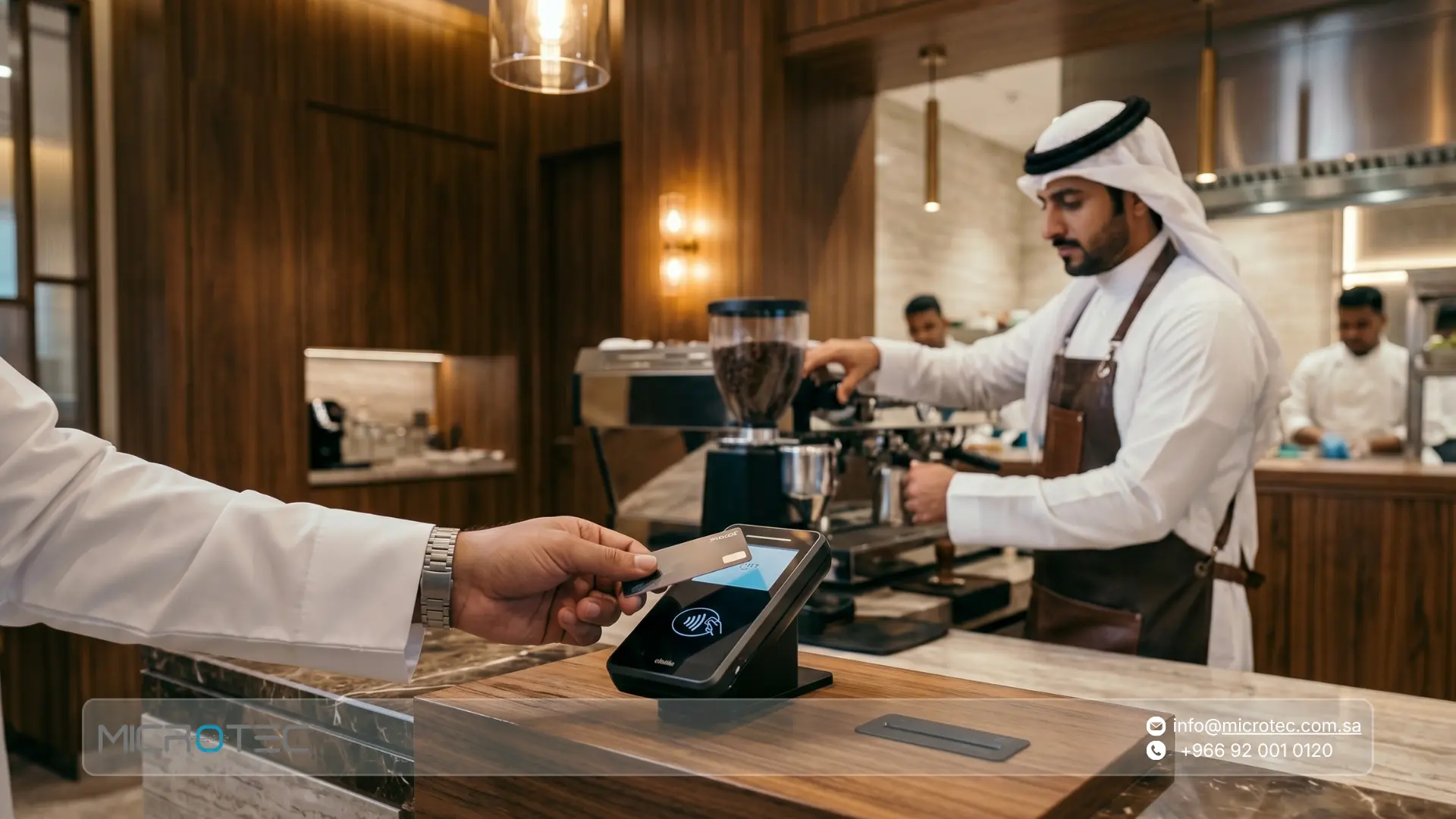
- Payment Terminals: Used to process mada cards, credit cards, and digital wallets.
2. Software Components
The software acts as the brain behind the hardware and typically includes:
- Front-end point of sale software: Where sales, returns, and bill-splitting transactions are processed.
- Real-time inventory management: Tracks available product quantities and alerts management when inventory levels become low.
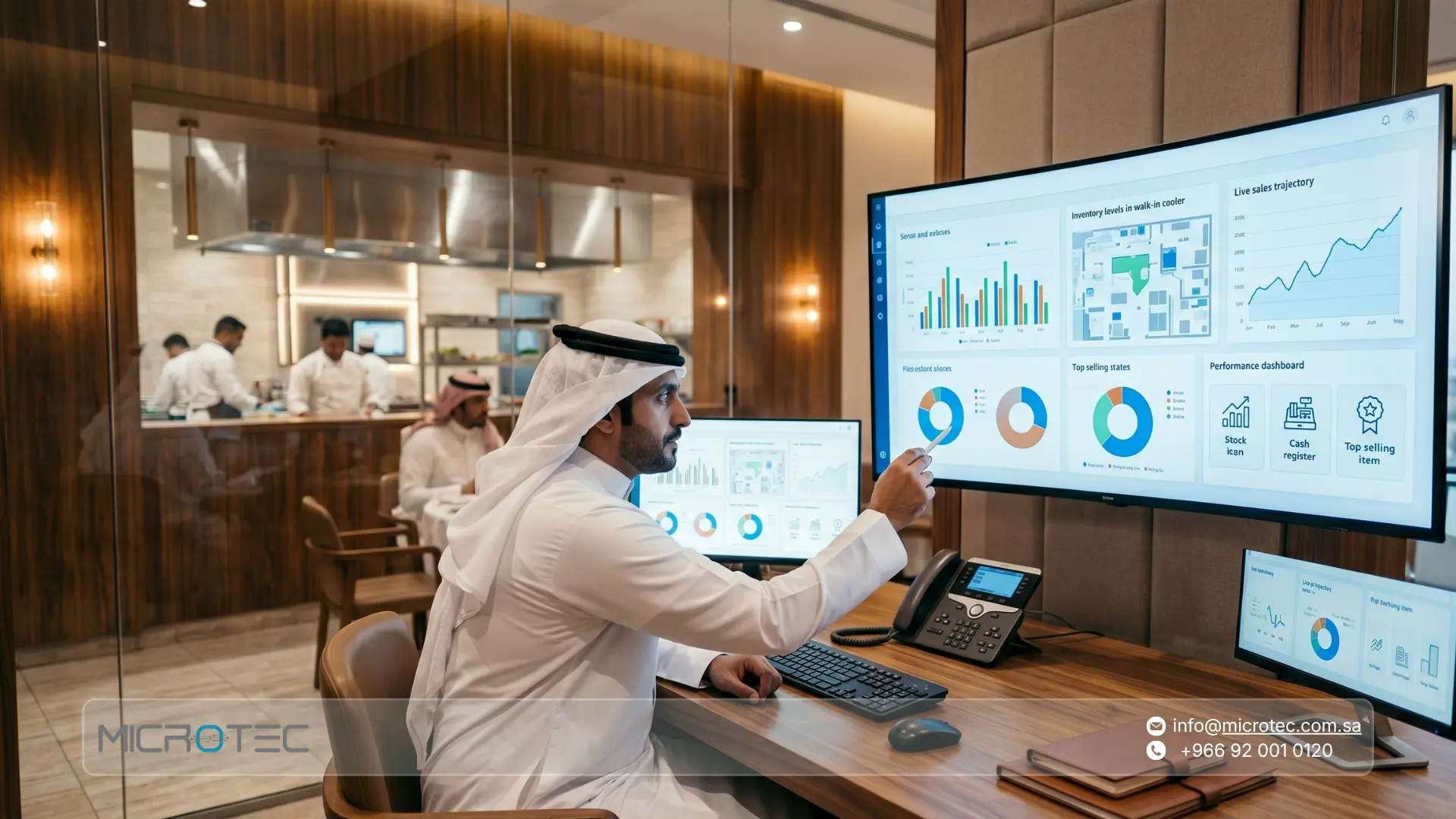
- Financial and analytical reporting: Generates reports covering profits, sales activity, and employee productivity.
Note: Investing in reliable hardware is always recommended to reduce the risk of unexpected failures that could interrupt sales during peak operating periods.
POS System Uses in Daily Business Operations
A POS system supports a wide range of operational functions used by modern businesses in Saudi Arabia to manage their daily transactions, including:
- Processing direct sales: Recording different types of orders, whether dine-in, takeaway, or delivery, and generating tax invoices instantly.
- Managing payments: Direct integration with payment terminals such as mada and Apple Pay to speed up collections and ensure accurate reconciliation of transaction amounts.
- Tracking inventory movement: Automatically updating inventory quantities after every sale and generating alerts when products reach their minimum reorder level.
- Managing permissions and shifts: Setting access permissions for employees such as cashiers, supervisors, and managers while tracking working hours and employee performance during each shift.
- Generating analytical reports: Producing regular reports covering best-selling products, peak periods, and total sales to support purchasing plans and sales strategies.
Modern point of sale software systems therefore perform a much wider role than simply processing payments at a cashier counter.
Benefits of Using a POS System in Your Business in Saudi Arabia
The benefits of a POS system are not limited to accelerating cashier operations. They also extend to improving a company’s operational and financial efficiency.
The most important benefits include:
- Data accuracy and fewer errors: Automation helps eliminate human errors when calculating prices, taxes, or discounts.
- Real-time inventory control: Provides instant visibility into actual warehouse inventory, helping prevent excessive stock accumulation or unexpected shortages.
- Improved financial management: Simplifies the reconciliation of daily sales with cash collections and bank transactions while providing accurate financial reports for better decision-making.
- Regulatory compliance: Helps issue invoices that comply with electronic invoicing requirements in Saudi Arabia.
- Simplified branch management: Allows businesses to monitor sales performance across multiple branches through one centralized dashboard, helping standardize operations across all locations.
Read More: Retail POS System Guide: Best Point of Sale Software for Stores in Saudi Arabia

How Does a POS System Work?
A POS system processes transactions through a fast and automated sequence that helps protect businesses from calculation errors associated with traditional manual processes.
To understand how it works, the customer journey and transaction cycle can be simplified into the following steps:
- Step 1 – Input: Scan the product barcode or select the product from the quick-access menu on the cashier screen.
- Step 2 – Data Retrieval: The system immediately retrieves the product’s price and description from the centralized database.
- Step 3 – Automatic Calculation: VAT is calculated automatically, along with any active discounts or promotional offers.
- Step 4 – Payment: Payment is processed through integration with mada terminals or by accepting cash.
- Step 5 – Inventory Update: This is one of the most important stages. The sold item is immediately deducted from warehouse inventory through real-time synchronization.
- Step 6 – Invoicing: The receipt is printed or sent to the customer as an electronic invoice.
This fast, real-time transaction cycle helps prevent accumulated errors and reduces the risk of management discovering unexpected inventory shortages or excess stock at the end of the financial month.
POS System Analysis: A Strategic Classification of the Main Types
The following classification provides a clearer analysis of the main POS system structures, helping decision-makers in Saudi Arabia select the architecture that best matches their operational and financial requirements.
A POS system can generally be divided into four main types:
- On-Premise POS Systems: The software is installed on computers inside the business location and relies on local servers. These systems can provide stable operations without internet access, but usually involve higher initial costs and can be more difficult to update.
- Cloud-Based POS Systems: These systems operate through cloud servers, usually under a Software-as-a-Service (SaaS) subscription model. They can reduce upfront infrastructure costs for medium-sized businesses and allow management to monitor branches remotely.
- Mobile POS Systems: These systems operate through smartphones and tablets and are particularly suitable for mobile businesses or restaurants where employees need to take orders directly at customers’ tables.
- Self-Service Kiosks: Interactive screens allow customers to place and pay for orders without employee assistance, helping reduce queues and congestion.
A cloud POS system may therefore be suitable for businesses prioritizing remote access, while other models may be preferable depending on operational requirements.
Contact our team today to identify the right solution for your business and book a demonstration of Microtec systems.

POS Systems for Restaurants and Their Applications in the Hospitality Sector
Hospitality businesses have fundamentally different requirements from other industries.
When explaining a POS system designed specifically for restaurants and cafés, it is important to understand that the system does much more than process a sale; it becomes part of the restaurant’s production and service workflow.
A restaurant-specific POS system offers operational features designed to improve service efficiency, including:
- Menu Management: Organizing and customizing menu items and ingredients quickly and flexibly.
- Order Management: Providing advanced tools for recording orders and managing operational workflows.
- Bill Splitting: Allowing complex customer bills to be combined or split easily.
- Kitchen Display System Integration (KDS): Automatically sending orders to kitchen display screens to accelerate preparation and reduce paper-related errors.
- Table Status Tracking: Providing real-time visibility into available tables and tables awaiting orders, which can improve table turnover.
O-RED vs. Traditional POS Systems for Hospitality Businesses in Saudi Arabia
| Operational Feature | General POS Systems | Microtec O-RED for Restaurants | Other Solutions in the Saudi Market |
|---|---|---|---|
| Visual Table Management | Often unavailable | Interactive dashboard reflecting the restaurant floor layout | Available at varying levels |
| Recipe Ingredient Management | Deducts only the finished product | Precisely deducts individual ingredients by gram/ml | May require advanced configurations or add-ons |
| Kitchen Display Integration | Standard paper printing | Integrated KDS to accelerate preparation | Partial support on some devices |
Adopting a specialized solution such as Microtec O-RED restaurant and café management system can play an important role in improving table turnover and increasing revenue during busy seasons.
At the same time, businesses should invest in proper employee training to ensure efficient use of the system.
POS System Applications in Stores and the Saudi Retail Sector
Moving to retail businesses such as supermarkets, clothing stores, and electronics retailers, the POS system faces a different set of operational challenges.
The most important include:
- Transaction speed: Fast barcode scanning is essential to improve checkout efficiency and reduce customer waiting times.
- Large inventory management: The system must be capable of handling thousands of SKUs and accurately managing variations such as sizes and colors.
- Tax compliance: VAT must be calculated accurately in accordance with local regulations in Saudi Arabia.
- Legal compliance: The system acts as a compliance tool by issuing electronic invoices and simplified tax invoices according to applicable requirements.
Microtec designed the O-GREEN retail POS system to address these requirements by providing flexible multi-dimensional inventory management, accurate shift tracking, and electronic invoicing capabilities designed to support ZATCA requirements.
Important tax compliance note: Businesses should always verify official regulations and technical obligations through the official Zakat, Tax and Customs Authority channels. Microtec systems are designed to support these compliance requirements.
Protect your branches’ e-invoicing compliance in Saudi Arabia with O-RED and O-GREEN. Contact us today.
Learn More: Best Restaurant Management Software in Saudi Arabia: Inventory, Menu & Reporting
Operational Challenges and How to Avoid Common POS System Problems
Technology is not free from challenges. Operations managers commonly face five major problems when implementing or upgrading a POS system:
- Unexpected internet outages: These can interrupt sales when relying entirely on cloud-based systems.
- Payment processing failures: Often caused by poor integration with banking networks.
- Cybersecurity risks: These may expose customer or payment information.
- Slow legacy systems: Older systems can increase checkout times and create longer customer queues.
- Poor technical support: Slow responses from service providers during emergencies can extend operational downtime.
Checklist for Avoiding These Problems Before Launching Your Branches
- Test offline operation: Make sure the system can temporarily store sales locally during network outages and synchronize them afterward.
- Secure networks and data: Restrict cashier permissions and implement authentication measures to protect financial information.
- Maintain backup internet connectivity: Use a secondary router with mobile data as an alternative if the primary internet connection fails.
- Choose responsive technical support: Select a system provider such as Microtec that offers reliable technical support to minimize operational downtime.
How Does a POS System Integrate with an Enterprise Resource Planning (ERP) System?
For medium and large businesses in Saudi Arabia, operating a POS system independently is no longer a practical approach because it can lead to fragmented data and duplicated administrative work.
The more effective approach is to connect the front-end POS environment with the centralized financial and administrative ERP platform.
The integration between these systems creates the following automated workflow:
1. Eliminating Duplication and Human Error
- Eliminating duplicate data entry: Sales data is transferred automatically from the POS system to the ERP system, removing the need to manually re-enter numbers into accounting systems and reducing human error.
- Unified data: All field and branch transactions become part of the company’s centralized database.
2. Automating the Financial Cycle and Posting Entries
- Automatic shift closing: Once a shift is closed in the POS system, financial entries such as sales, payment methods, and taxes are automatically posted to the General Ledger in the ERP system.
- Accurate reporting: This integration ensures that branch financial performance is reflected in the company’s financial statements in real time, supporting faster decision-making.
3. Smart Inventory Management with Real-Time Updates
- Automatic inventory deduction: Every sale at a branch immediately updates inventory balances in the ERP system, providing an accurate view of available quantities across all warehouses.
- Supply chain management: The ERP system can automatically generate reorder alerts once an item reaches its predefined reorder point, helping maintain product availability across stores.
4. Greater Control and Transparency
- Centralized monitoring: Head office management can monitor branch performance, cash flow, and inventory levels simultaneously through one platform.
- Financial auditing: Integration makes it easier to reconcile actual revenue collected through the POS system with financial settlements recorded in the ERP system.
In summary, integrating a POS system with an ERP system transforms the point of sale from a simple payment collection tool into a central engine for business data flow, significantly improving operational efficiency.
This is the level of professional integration available through Microtec’s integrated ERP accounting ecosystem, which provides senior management with a comprehensive view for making strategic decisions based on actual, real-time branch data.
Explore Microtec ERP and POS system solutions and begin your business’s digital transformation today.
Frequently Asked Questions About POS Systems in Saudi Arabia
1- What Is a POS System?
A POS system is an integrated combination of physical hardware, such as screens, receipt printers, and barcode scanners, together with intelligent software that works simultaneously to record sales, process financial transactions, and update inventory records immediately after every sale.
2- What Is the Difference Between a Cloud POS System and an On-Premise POS System?
A cloud POS system provides greater flexibility for remote access, while an on-premise system can offer greater independence over data infrastructure and maintain local operations without relying entirely on an internet connection.
This can make an on-premise system more suitable for businesses that prioritize internal data control and operational continuity under different connectivity conditions.
3- Can POS Software Work Without an Internet Connection?
Yes. Advanced systems such as O-RED can support a temporary Offline Mode.
Transactions can be stored locally and synchronized with the cloud automatically once connectivity returns, helping prevent interruptions to sales operations.
4- How Do You Choose the Best POS System for E-Invoicing in Saudi Arabia?
Choosing the right system requires verifying that it is prepared to support the Zakat, Tax and Customs Authority’s e-invoicing requirements in Saudi Arabia, particularly the Integration Phase.
The system should also support simplified tax invoices and the automatic generation of the required QR code without the need for manual modifications.
Related Articles
 FMCG Distribution Management System for Food, Beverage & Pharma Distributors
 Best POS System for Restaurant in Saudi Arabia: Comparison and Selection Criteria
 Best Café POS System in Saudi Arabia: Complete Guide for Coffee Shops
 Retail POS System Guide: Best Point of Sale Software for Stores in Saudi Arabia