
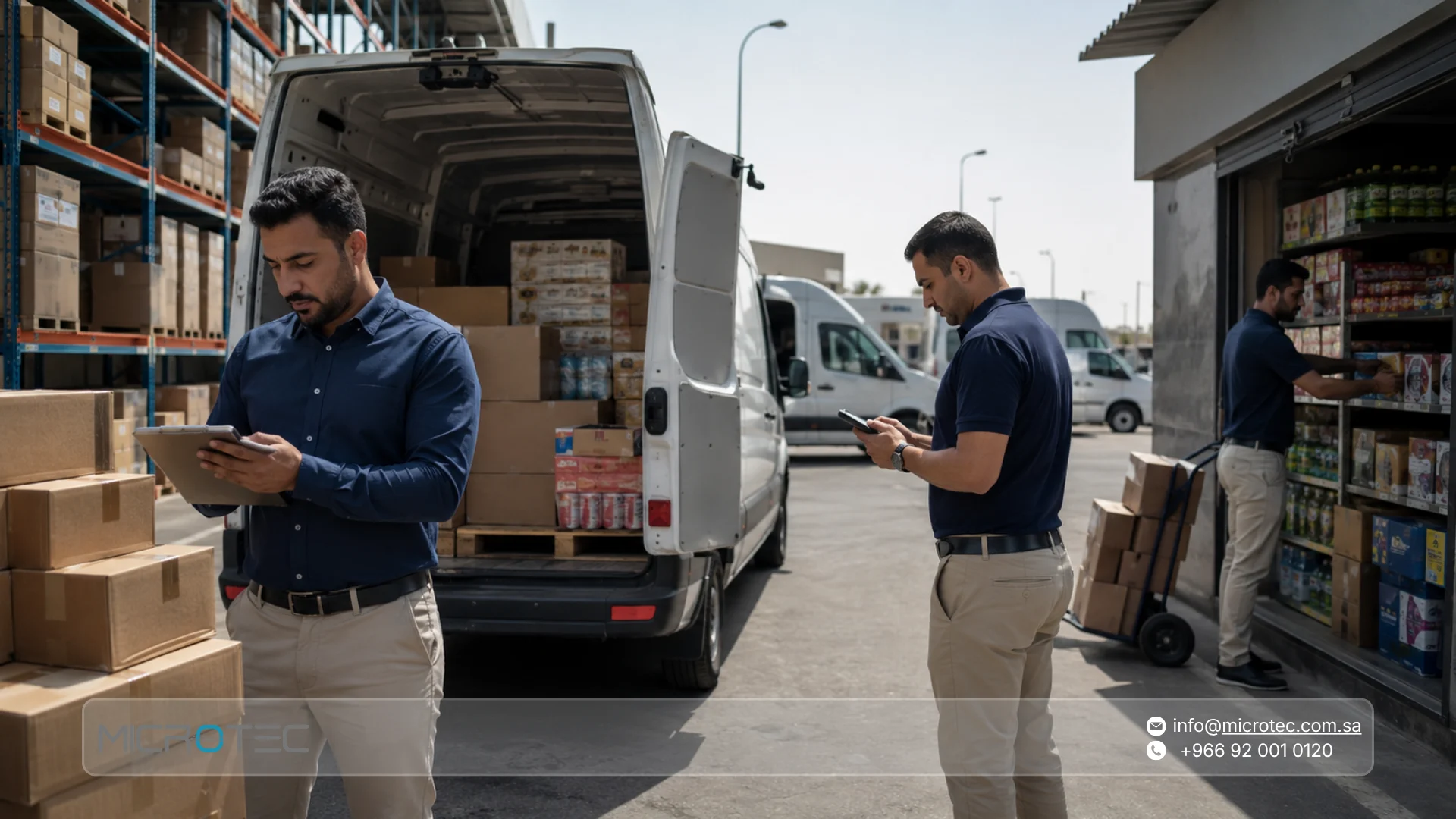
Are your reps still sending incomplete orders back to the warehouse? Does the stock recorded for a sales van sometimes differ from what is actually inside it? These problems often appear when field sales, inventory, invoicing, and collections are managed separately.
A van sales system connects the rep’s daily route with customer orders, vehicle inventory, invoices, returns, and collections, giving management a clearer picture of what was sold and what remains with each rep.
This guide explains how van sales works, what distribution companies in Saudi Arabia should expect from the system, how to test a demo before committing, what affects pricing, and which criteria matter most when comparing solutions.
What Is a Van Sales System and Why Does Your Business Need One?
A van sales system helps companies manage sales activities that happen outside the office, especially when reps visit customers, take orders, collect payments, or sell and distribute products directly from vehicles.
Instead of taking an order on paper and waiting for someone at the office to enter it again, the rep can record the transaction during the customer visit. The information then becomes part of the wider sales, inventory, invoicing, and accounting workflow according to the company’s procedures and user permissions.
At Microtec, O-Orange is designed for field sales and distribution teams that need to manage orders, invoices, inventory, and rep activities while connecting those transactions with the wider Microtec ERP environment.
How Does a Van Sales System Differ From Traditional Sales?
A traditional field-sales workflow may involve several disconnected steps:
- The rep visits the customer.
- The order is written down.
- The order is sent to the office.
- Another employee enters it into the system.
- The warehouse checks availability.
- An invoice is prepared.
- The order is processed for delivery.
- Collections are recorded separately.
Every manual handoff creates another opportunity for delay, duplicate entry, or inconsistent information.
A van sales management system brings these activities closer together. The rep can create the order from the customer’s location, access the information available to them, and complete the relevant sales or invoicing steps according to the company’s workflow. The transaction can then be connected to inventory and customer accounts instead of being entered again later.
This becomes particularly important for direct van sales. Once the vehicle carries sellable stock, it effectively becomes a moving inventory location. The company needs to know what was loaded, what was sold, what came back, and what remains at the end of the route.
The Real Problem: Lost Orders and Stock Mismatches With the Warehouse
Imagine a rep begins the day with 80 cartons of one product. During the route, the rep sells 25 cartons to the first customer, delivers 20 to another, receives a five-carton return from a previous customer, creates a new order for 15 cartons, and collects two older invoices.
If each activity is recorded in a different place, one simple question becomes difficult at the end of the day:
How much stock is actually left in the vehicle?
The rep’s notebook may show one number, the warehouse record another, while the returned five cartons may not yet have been entered anywhere.
When sales, returns, and van inventory are connected, management can review the remaining balance from recorded transactions instead of reconstructing the entire route manually.
What Are the Main Benefits of a Van Sales Management System?
The real benefit is not replacing paper with a phone or tablet. It is making the field-sales transaction part of the company’s operational workflow.
That connection can improve the way orders, vehicle stock, invoices, collections, returns, and sales performance are managed.
Field Sales Software That Connects Orders, Invoices, and Collections
One of the most important questions when evaluating field sales force management software is what happens after the rep creates an order.
If the application simply stores the order and someone in the office still has to enter it into the accounting system, the company has only partially removed duplicate work.
A connected workflow should allow the rep, depending on permissions and company procedures, to perform activities such as:
- Accessing customer information.
- Viewing available products and applicable prices.
- Creating a new order.
- Moving the transaction through the invoicing workflow.
- Recording returns.
- Recording collections.
- Reviewing previous transactions.
- Checking rep or vehicle inventory.
With O-Orange, field activities can be connected to the wider Microtec ERP workflow so order, inventory, invoicing, and accounting information do not remain isolated from one another.
How Can a Field Sales App Improve the Customer Visit?
A useful rep application should do more than create an order. During the visit, the salesperson needs quick access to the information required to complete the transaction without repeatedly calling the office.
Depending on the company’s workflow, the rep may need to check customer details, customer-specific pricing or discounts, available products, outstanding balances, previous invoices, returns, or current collections.
The more of this information that is connected, the less the sales team has to rely on phone calls and messages to confirm basic transaction details.
Using a Distribution Management System to Track Stock on Every Sales Van
For companies distributing products through sales vehicles, knowing the total warehouse balance is not enough.
Management also needs to know:
- How much stock was loaded onto each vehicle?
- What was sold?
- What came back as a return?
- What remains?
- Are there discrepancies that need investigation?
- Which products need replenishment before the next route?
This is where a distribution management system becomes part of the van-sales process. It connects warehouse inventory with mobile stock and the customer transaction.
The term DMS simply means distribution management system. A broader DMS may cover warehouses, customers, distribution, inventory, collections, and other operational processes, while van sales focuses more specifically on the activities performed by field reps and sales vehicles.
The important question is therefore not what the vendor calls the software, but whether it manages the workflow your business actually needs.
How Does a Van Sales Workflow Run From Start to Finish?
The easiest way to understand the value of the system is to follow the rep’s working day rather than looking at the order-entry screen alone.
- Prepare the Rep’s Inventory: The company determines what quantities will leave the warehouse and be assigned to the rep or vehicle. This separates warehouse stock from the inventory allocated to the day’s route.
- Visit the Customer: The rep accesses the customer account and views the information available under their permissions, such as pricing, balances, or previous transactions.
- Record the Order or Sale: Products and quantities are entered while the rep is with the customer instead of being written down and entered again later.
- Review Available Stock: The system checks the relevant inventory balance according to the company’s setup and the stock location used for that transaction.
- Process the Invoice: The transaction moves into the sales and invoicing workflow and is connected to the customer and inventory records.
- Record Collections: If the rep receives a full or partial payment, the amount can be recorded within the collection workflow and linked to the appropriate customer account or invoice.
- Process Returns: When a customer returns a product, the transaction is recorded so it has a clear effect on inventory and accounts instead of remaining in a separate return sheet.
- Reconcile the Route: At the end of the day, management can review what left the warehouse with the rep, what was sold, what was returned, what remains in the vehicle, and which financial transactions were recorded.
The route becomes a connected set of transactions rather than a collection of notebooks, messages, and spreadsheets that must be reconciled manually.
Read as well: The Accounting Chart of Accounts: Strategic Guide for Digital Transformation
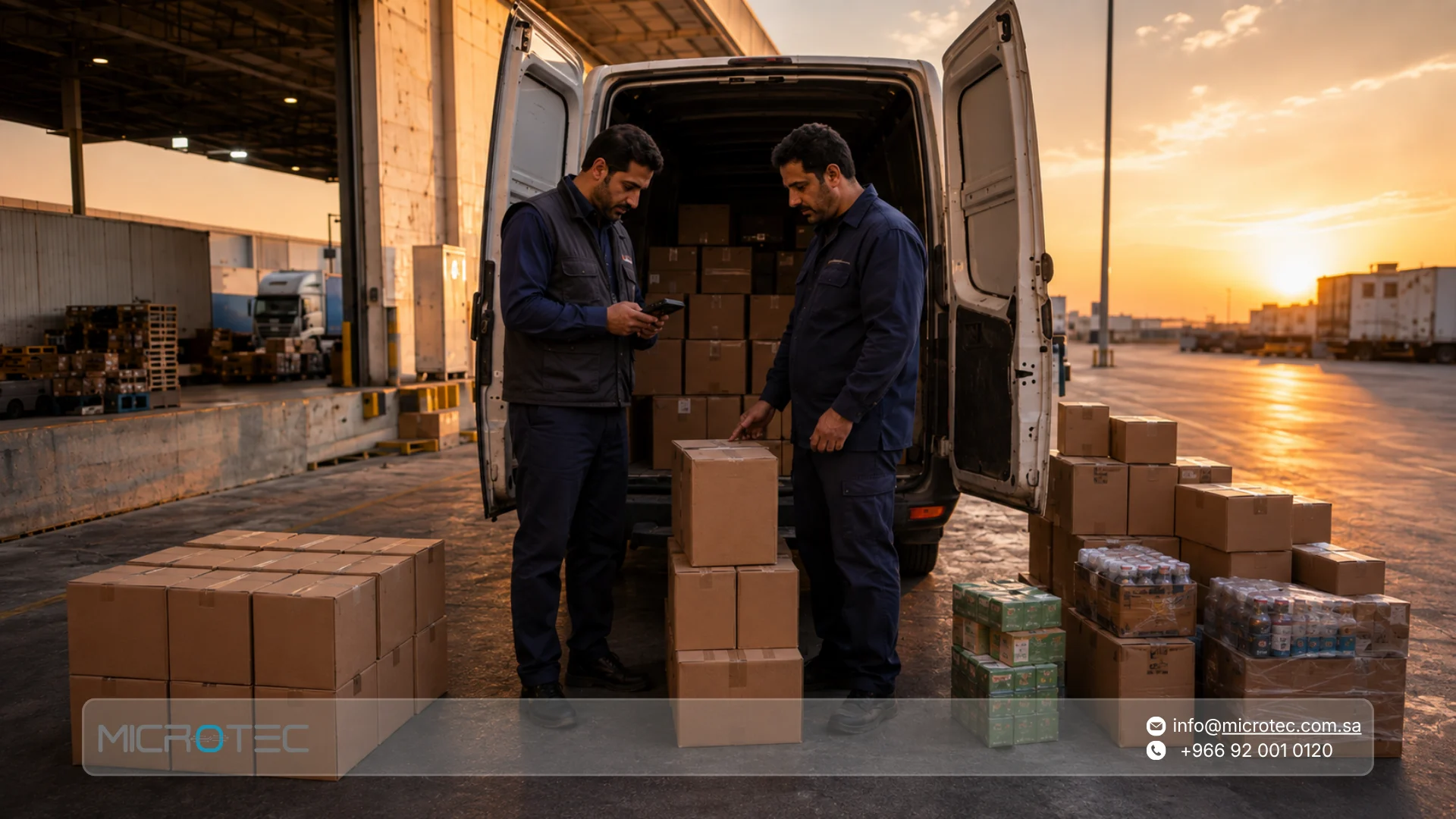
What Makes a Strong Field Sales System for Distribution Companies in Saudi Arabia?
There is no single system that can automatically be described as the best field sales management system in Saudi Arabia for every company.
A food distributor may need different inventory controls from a building-material distributor, while a medical-supplies company may have different customer, traceability, or approval requirements.
The right selection therefore starts with your own workflow. Ask:
- Does the rep only take orders, or sell directly?
- Does the rep carry inventory inside the vehicle?
- Are invoices issued in the field?
- Does the rep collect payments?
- Are customer returns handled during the route?
- Do different customers have different prices?
- Are credit limits used?
- Does the business operate more than one warehouse?
- Does field sales need to connect with accounting and inventory?
- What reports does the supervisor need at the end of the day?
Once these questions are answered, systems can be compared based on operational fit rather than the number of features listed on a sales page.
Who Should the System Serve?
A good van sales system for distribution companies should support three groups at the same time.
The sales rep needs to complete transactions quickly while standing in front of the customer.
The supervisor needs visibility into sales activity, inventory, and team performance.
Accounting and warehouse teams need reliable data without repeated manual entry.
A system that improves the rep’s interface while leaving warehouse and accounting teams dependent on spreadsheets has solved only one part of the problem.
How Should You Test a Van Sales System Demo?
Do not use a demo only to browse menus and dashboards.
The best way to evaluate a van sales system demo is to take one real workflow from your company and ask the vendor to run it from beginning to end.
For example:
- Create a test customer.
- Assign stock to a rep or vehicle.
- Open the customer from the rep account.
- Create an order containing several products.
- Check how the transaction affects inventory.
- Create or process the invoice.
- Record a partial collection.
- Enter a return.
- Review the customer account.
- Review the remaining vehicle stock.
- Open the rep’s sales report.
- Check how the transactions appear in accounting.
If the system can handle this cycle clearly, you learn much more than you would from a general product presentation.
When evaluating distribution management system software, the real test is not whether a feature exists somewhere in the menu. It is whether that feature fits naturally into the complete process your team follows every day.
15 Things to Check Before Choosing a Van Sales System
- The Complete Order Cycle: Do not stop the test after creating an order. Follow it through invoicing, collection, return, and accounting impact.
- Rep and Vehicle Inventory: Make sure the system separates warehouse stock from mobile stock and clearly shows inventory movement between them.
- Accounting Integration: Ask whether field transactions flow into the financial system or still need to be entered again.
- Customer Pricing: If customers have different prices, discounts, or price tiers, test them during the demo rather than relying on a feature list.
- Credit Limits: Make sure the system can support the credit policies used for your customers.
- Field Collections: Test both full and partial invoice collections, then check how each transaction affects the customer account.
- Returns: Do not leave return processing until later. Returns often reveal whether sales, inventory, and accounting are actually connected.
- Units and Barcodes: If the same item is sold by carton, pack, or piece, test the units that your reps actually use.
- User Permissions: Not every rep should be able to view or modify everything. Review permissions for pricing, discounts, returns, invoicing, and other sensitive transactions.
- Reporting: Request reports by rep, customer, product, and period. Do not judge reporting quality from the dashboard alone.
- Ease of Use: Run the transaction on the actual type of device the rep will use in the field, not only on a desktop during the presentation.
- Multiple Branches and Warehouses: If the company operates from several locations, test how balances and movements are handled between them.
- Connectivity Requirements: If reps regularly work in areas with weak connectivity, ask how the required workflow behaves under those conditions and test the scenario before implementation.
Do not assume a specific offline workflow unless it has been verified for the planned setup.
- Training and Implementation: Find out what data is required before launch, who trains the team, how workflows are tested, and what needs to be completed before the system goes live.
- Future Growth: Choose a system that can support more reps, vehicles, warehouses, or branches as the business expands without forcing you to redesign the entire sales process.
What Actually Drives Van Sales System Pricing?
There is no single van sales system price that applies to every company.
A distributor with five reps and a straightforward order cycle is very different from a business with dozens of vehicles, several branches, multiple warehouses, collections, returns, credit controls, and complex reporting requirements.
Pricing may therefore be influenced by factors such as:
- Number of users and sales reps.
- Number of branches and warehouses.
- Transaction volume.
- Required functions.
- Integration requirements.
- Data migration.
- Workflow configuration.
- Devices or peripherals.
- Training and implementation.
- Support and other project services.
When comparing proposals, do not ask only: How much does the software cost?
Also ask: What is included in that cost before the system becomes fully operational for my team?
A lower initial price can become more expensive if additional software, integrations, repeated data entry, or separate tools are later required to complete the workflow.
Also Read: FMCG Distribution Management System for Food, Beverage & Pharma Distributors

Do You Need a Van Sales System or Just a Rep App?
This distinction matters before buying.
If the only requirement is to record visits or collect basic orders, a simple field-sales app may be enough. But if the company needs to manage:
- Orders.
- Vehicle inventory.
- Sales.
- Invoices.
- Collections.
- Returns.
- Customer accounts.
- Warehouse inventory.
- Reporting.
then the business needs a connected field sales system, not simply a standalone application installed on the rep’s phone.
The same principle applies when comparing a van sales solution with a broader distribution channel management system. The broader platform may manage several levels of distribution, while van sales is specifically concerned with the work performed by reps and vehicles in the field.
Choose based on the process, not the software category name.
What About an Online Distribution Management System?
Some companies search specifically for an online distribution management system, but the more important issue is the actual deployment and connectivity requirements of your business.
You should confirm how the proposed system is deployed, how data is exchanged, what connectivity the field team requires, and how it integrates with the systems already used inside the company.
Do not assume that every product described online as a distribution platform uses the same deployment model or provides the same field capabilities.
For Microtec projects, the deployment and integration requirements should be reviewed as part of the implementation scope so the chosen setup matches the company’s actual operating environment.
Microtec O-Orange for Field Sales and Van Distribution
At Microtec, we developed O-Orange for companies that depend on mobile sales teams and vehicle-based distribution.
The system supports field operations such as orders, invoicing, inventory visibility, and sales activities while integrating with the Microtec ERP environment to connect field transactions with inventory and accounting.
We do not treat O-Orange as a standalone rep app. Its greater value appears when the transaction completed outside the office becomes part of the wider sales, inventory, and accounting cycle inside the company.
What Should You Compare Between O-Orange and Another System?
Instead of comparing products through vague labels such as local or global, compare the workflow you actually need.
| Comparison Area | What You Should Test |
| Order entry | Can the rep create the transaction easily from the customer location? |
| Vehicle stock | Can you see what was loaded, sold, returned, and left? |
| Invoicing | Does the invoice connect correctly with sales and inventory? |
| Collections | Can the collected amount be associated with the customer and relevant invoices? |
| Returns | Does the return update the correct inventory and account records? |
| Pricing | Can the appropriate pricing policy be applied to each customer? |
| Credit | Can the system support your credit-customer workflow? |
| Integration | Do field transactions reach inventory and accounting without unnecessary re-entry? |
| Reporting | Can you review sales by rep, customer, and product? |
| Ease of use | How many steps does the rep need to complete the main transaction? |
| Implementation | Can your real workflow be tested before launch? |
| Scalability | Can the system support growth in reps, vehicles, branches, and warehouses? |
A useful sales and distribution management system should reduce the gaps between these processes rather than creating another standalone source of data.
How Do You Know the System Fits Before Making the Decision?
Before signing a contract, identify three everyday processes that currently create the most manual work in your company.
They might include loading and reconciling a sales vehicle, creating a customer order and invoice, collecting an old invoice, processing a return, reviewing a credit limit, or checking what each rep actually sold.
Then ask the vendor to run those processes from beginning to end.
If the system handles them clearly and shows their impact on inventory, accounts, and reporting, you are testing operational value. If the demo consists mainly of browsing screens, important workflow problems may remain hidden until implementation begins.
Test Your Sales Workflow Before You Choose the System
Choosing a van sales system should not begin with counting screens or comparing long feature lists. It should begin with understanding what happens from the moment a rep leaves the warehouse until the vehicle returns at the end of the route.
At Microtec, we connect O-Orange with sales, inventory, and accounting so rep transactions become part of the business workflow instead of remaining in a separate system that requires end-of-day reconciliation.
If you are looking for a van sales system for a distribution company in Saudi Arabia, contact Microtec and request an O-Orange demo.
Test it with a real process from your company: assign stock to a rep, create an order, process an invoice, record a collection and return, then review how every transaction affects the wider workflow before you make your decision.
Frequently Asked Questions About Van Sales Systems
1. What Is a Van Sales System and What Are Its Main Benefits?
A van sales system helps field-sales and distribution teams manage transactions while reps are on the road and connects those transactions with customer, inventory, invoicing, and collection data.
Its main benefits can include reducing repeated data entry, improving visibility over vehicle inventory, connecting rep activities with the wider sales process, and giving management clearer operational information.
2. What Is a Distribution Management System?
A distribution management system, commonly shortened to DMS, is a broader system used to manage activities involved in moving products through the distribution operation.
Depending on the business, this can include inventory, warehouses, customers, orders, distribution, vehicle stock, invoicing, collections, returns, and reporting.
A van sales system can form part of this wider distribution workflow, particularly when products are sold or delivered directly by field reps.
3. What Is the Difference Between a Rep App and a Van Sales System?
A rep application may focus primarily on customer visits or order capture.
A van sales system can go further by connecting orders with vehicle inventory, invoicing, collections, returns, customer accounts, and the wider distribution workflow.
Evaluate the actual functions and integrations rather than relying on the product name alone.
4. Does a Van Sales System Work Without an Internet Connection?
This depends on the system, implementation configuration, and data-synchronization requirements.
If your reps regularly operate in weak-connectivity areas, include that exact scenario in the demo and implementation review. Do not assume that every function will behave the same way without connectivity.
5. Can the System Connect Directly to Existing Accounting and Inventory?
O-Orange integrates with the Microtec ERP environment so field-sales activities can be connected with inventory and accounting within the Microtec ecosystem.
If your company uses other systems, the integration requirements, exchanged data, and technical scope should be reviewed before the implementation approach is confirmed.
6. How Long Does It Take to Implement a New Van Sales System?
There is no single implementation period that fits every company.
The timeline can depend on:
- Number of users.
- Readiness of customer and product data.
- Number of branches and warehouses.
- Complexity of the sales workflow.
- Data migration requirements.
- Integration requirements.
- Training.
- Testing before launch.
It is better to agree on clear preparation, testing, training, and rollout stages than to select an arbitrary deadline and force the project into it.
7. How Do I Choose the Right Field Sales Software?
Start with the rep’s daily workflow. Define what the salesperson needs to do at the customer location, then check whether the system connects the order, stock, invoice, collection, and return processes required by your company.
Do not make interface simplicity the only criterion. Also test what happens to the data after the rep completes the transaction.
8. Is a Distribution Management System the Same as a Van Sales System?
Not always. A distribution management system can be broader, covering warehouses, inventory, customers, distribution operations, collections, and other parts of the supply chain.
A van sales system focuses more directly on the field activities of reps and sales vehicles.
The two may be integrated or overlap considerably, so the right comparison should be based on business processes rather than terminology.