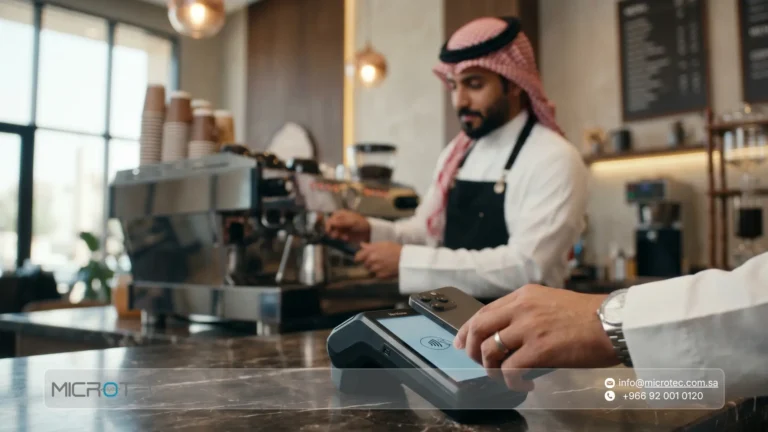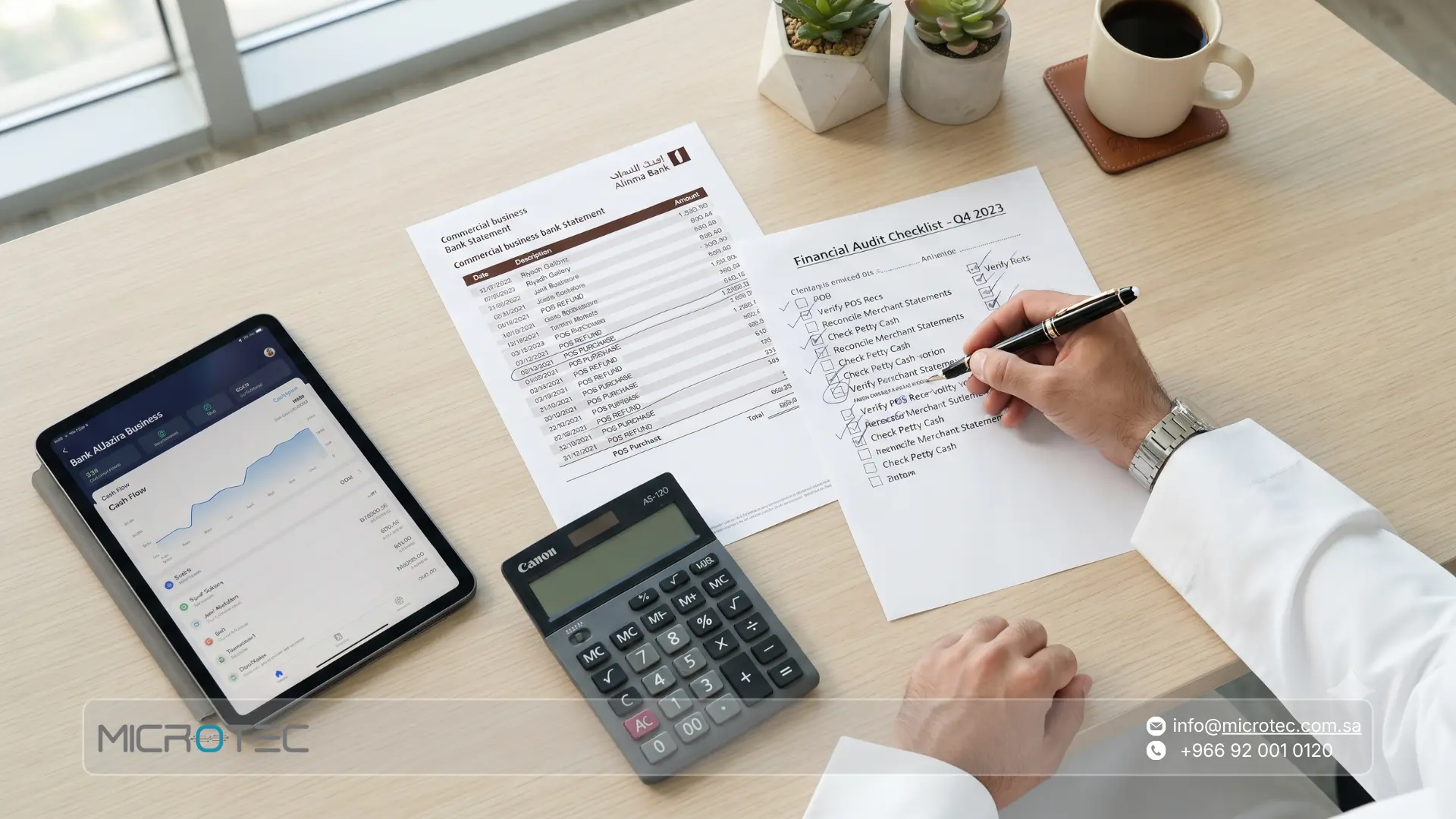
When financial managers and business owners review their companies’ bank statements in Saudi Arabia, multiple financial entries accompanied by the “POS” symbol often appear. Misinterpreting this symbol causes confusion as to whether it represents operational expenses, bank commissions, or daily sales collected via the electronic network.
Understanding POS in a bank statement is the fundamental starting point for adjusting financial reconciliations and avoiding book differences between what the cashier records in point-of-sale systems and what the bank actually deposits into the company’s account.
In this guide, we explain the meaning of POS in the bank statements of enterprises, the reasons for the multiplicity of its transactions, and the importance of daily financial matching, leading to effective reconciliation steps and how to intelligently automate them through integrated Microtec systems.
Disclosure: Features, availability, prices, implementation durations, integrations, hardware, and policies may vary depending on the system and the facility’s needs; there is no general guarantee, and the best decision relies on practical evaluation and documented data.
What is the POS Symbol in a Bank Statement?
The abbreviation POS in banking transactions refers to “Point of Sale”. When this symbol appears in individuals’ personal accounts, it reflects a purchase transaction executed using an ATM card or a credit card via electronic payment terminals in stores and restaurants.
However, when the same symbol appears in the commercial bank statement of an enterprise, the meaning is completely reversed; it represents deposits and financial flows coming from electronic transaction sales (such as the Mada network, Visa, or MasterCard) made by customers within the company’s retail outlets.
Understanding this difference helps accountants direct accounting entries accurately; instead of recording them as expenses, they are recorded as reconciliation movements for deferred or electronically collected sales. Business owners in Saudi Arabia can explore our technical solutions at Microtec to build a comprehensive vision of how to link point-of-sale devices to consolidated accounts.
Try the Microtec system now, and discover how you can transform complex accounting processes into easy and direct automated pathways!

Why Do Multiple POS Transactions Appear on Your Company’s Bank Statement?
Enterprises with multiple branches or high daily transaction volumes notice dozens of entries recorded with the POS symbol on their bank statements. This multiplicity is due to the nature of the financial cycle that electronic payment processes go through:
- Aggregation of Daily Sales: POS devices upload daily payment transactions to the acquiring bank or payment service provider, which deposits the amounts into the bank account as a single payment for each device or each branch.
- Deduction of Commissions and Fees: The banking network deducts its pre-determined commissions from the total sales of the transaction before depositing the net amount, making the amount deposited in the bank different from the total sales recorded in the cashier’s report.
- Settlement Cycle Timing Differences: Not all sales are deposited at the same moment; transactions are affected by banking operational hours, weekends, and public holidays.
To avoid discrepancies resulting from these factors, the financial manager needs to monitor cash flows via an integrated Enterprise Resource Planning (ERP) system coupled with analytical reports that accurately reflect revenues and commissions.
Why is Matching POS Sales with the Enterprise’s Bank Account Important?
The importance of matching point-of-sale sales with the bank account is not limited to mere bookkeeping arrangements; rather, it is a control measure that protects the enterprise’s financial position and ensures its operational stability.
Top Operational and Accounting Benefits of Periodic Matching:
- Protecting Cash Liquidity: Detecting any delays in bank transfers or the non-deposit of certain electronic sales due to network errors.
- Compliance with Regulations and Taxes: Ensuring that the financial reports and tax returns submitted to official authorities (taking into account the review of the instructions and regulations of the Zakat, Tax and Customs Authority – ZATCA) match actual bank revenues.
- Tightening Internal Control: Reducing manual entry errors that cashiers might commit during daily cash register closures.
- Transparency of Bank Commissions: Ensuring that the bank deducts the percentages specified in the contracts without any increase in the deducted fees.
Read more: Best POS System for Restaurant in Saudi Arabia: Comparison and Selection Criteria

Manual Matching vs. Automated Matching of POS Revenues
The following comparison illustrates the difference in operational efficiency between conducting bank reconciliations manually via spreadsheets and matching them automatically via advanced systems:
| Comparison Criteria | Manual Matching (Excel and Paper) | Automated Matching via Integrated ERP System |
|---|---|---|
| Processing Time | Consuming long hours reviewing every entry. | Executing matching and reconciliation operations within minutes. |
| Error Rate | Prone to human errors and omitted entries. | High accuracy relying on technical integration and live data. |
| Commissions Processing | Calculating commissions and discounts manually for each transaction. | Automatically calculating and recording commissions in the expenses account. |
| Multiple Branches | Difficulty in linking and repetitive data entry for each branch. | Automatic aggregation of all branches in a single dashboard. |
| Financial Reports | Delayed reports waiting for month-end closing. | Real-time and updated reconciliation reports around the clock. |
Request a consultation to assess your Saudi facility’s needs! Contact our experts to learn how our systems can raise the efficiency of your revenue management.

Practical Steps to Conduct Reconciliation and Match the Bank Statement with the POS System
Reconciling POS in a bank statement requires following a sound accounting methodology to ensure the closing of book differences. The following steps can be applied:
- Pulling Detailed Reports: Extracting a comprehensive electronic sales report from the point of sale (POS) system within a clear time frame, separating cash sales from network sales (Mada / Credit Cards).
- Reviewing the Bank Statement: Matching the deposit transactions recorded under the POS symbol in the bank statement with the reports issued from the system, considering transactions that occurred during holidays and were transferred on the first subsequent working day.
- Calculating Bank Commissions: Deducting the percentage of commissions and fees taken by the bank as specified in the contract, and recording them in a “Bank Commission Expenses” account to ensure the net book value matches the actually deposited amount.
- Processing Differences and Closing Entries: Recording daily or weekly reconciliation entries to close the “POS Suspense Account” and transfer the amounts to the main bank account.
Specialized systems such as the O-RED restaurant POS system and the O-GREEN retail POS system help simplify these steps by providing ready-made detailed reports to link with bank accounts.
Common Mistakes in Matching POS Accounts and How to Avoid Them
Many accountants fall into errors that lead to the inflation of suspense accounts and the accumulation of financial differences. Here are the most prominent of these mistakes and how to avoid them:
- Postponing Matching Until the End of the Month: Delay causes difficulty in tracking missing transactions; the solution lies in adopting daily or weekly reconciliation.
- Neglecting Deducted Commissions: Recording the amount deposited in the bank as total sales without accounting for the network commission leads to a flaw in total direct revenues; this is avoided by fixing the commission percentage automatically in the system.
- Ignoring Settlement Gap Differences: Closing accounts without considering that Friday sales, for example, might appear on the bank statement on Sunday; overcoming this is done by using a “POS Reconciliations Suspense Account”.
Read more: The Accounting Chart of Accounts: Strategic Guide for Digital Transformation
How Do Microtec ERP and POS Systems Help You Automate Financial Matching?
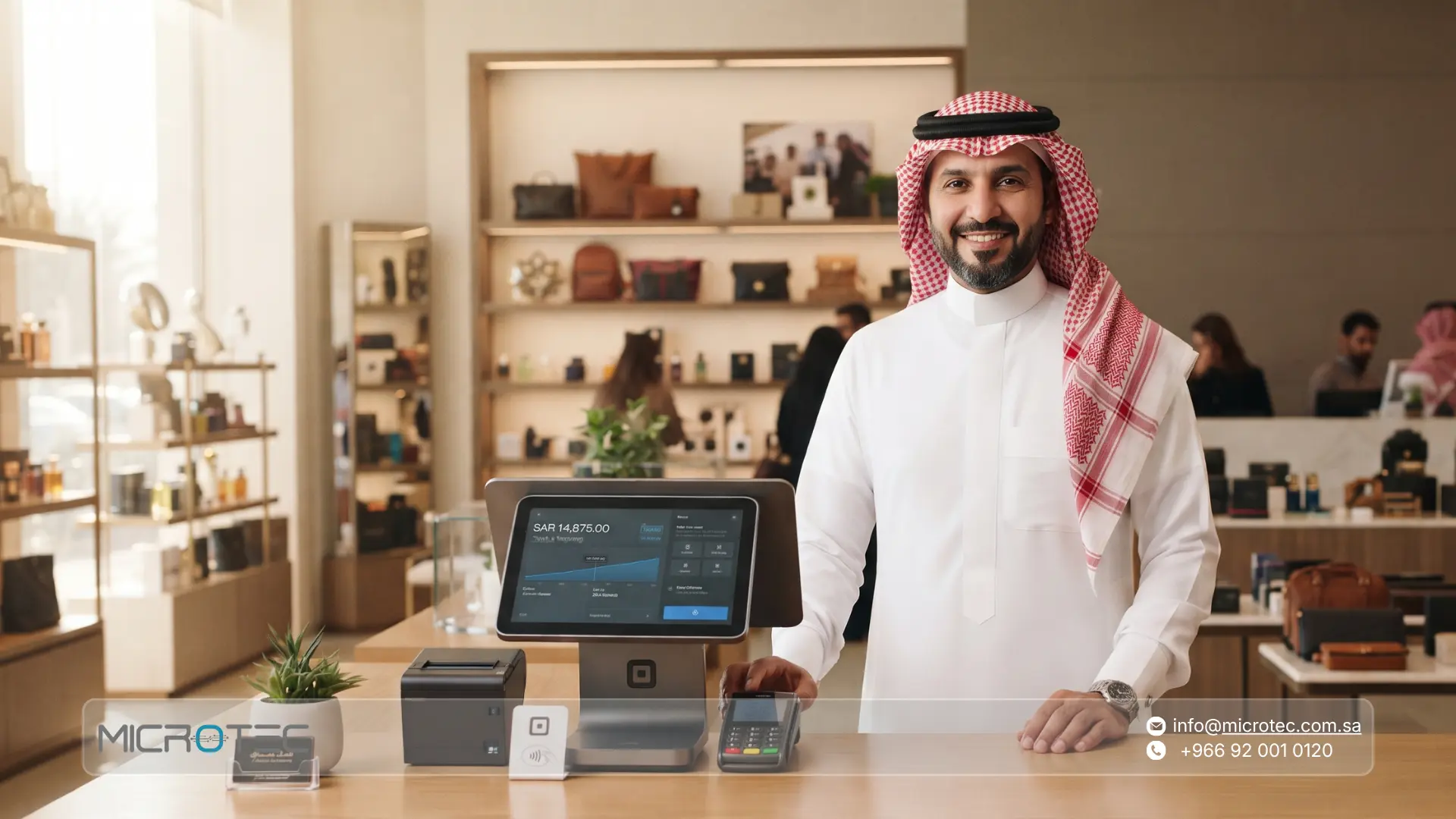
Microtec systems are designed to provide commercial, retail, and restaurant businesses with a digital workspace that connects all operational processes with the general ledger. Through seamless integration between point-of-sale devices and the central accounting system, your financial team can:
- Obtain real-time updated sales reports showing sales details by payment method.
- Reduce manual intervention in recording accounting entries related to commissions and POS device reconciliations.
- Process transactions of multiple branches and monitor bank accounts from a single screen without data fragmentation.
- Accelerate financial closing operations at the end of accounting periods thanks to linking sales directly to the general ledger.
Contact us to find the most suitable solution! Book a consultation with the Microtec team to discover solutions tailored specifically for your sector.
Ultimately, understanding the meaning of POS in a bank statement and applying regular financial reconciliation steps is an essential part of protecting the enterprise’s assets and ensuring the performance efficiency of financial management. Transitioning from traditional manual matching methods to using integrated software helps you eliminate book differences, save time and effort, and focus on the growth of your business.
If you are looking to develop your accounting tools and automate the matching of your daily sales, contact us today at Microtec to view our integrated ERP and POS system solutions.
Frequently Asked Questions About POS in a Bank Statement
1- What is the meaning of POS in a bank statement?
The symbol POS (abbreviation for Point of Sale) in a bank statement refers to transactions associated with electronic payment devices.
2- Why is the appearance of POS sales in a bank statement sometimes delayed?
The delay is due to the settlement cycles approved by banks and payment service providers, which are affected by daily operation closing times, public holidays, and weekends. Transactions of these days are carried over to be deposited into the bank statement during the following working days.
3- Does the phrase POS in a bank statement mean that the amount has been deposited into my commercial account?
Yes, if the entry appears as a deposit transaction or financial addition accompanied by the POS symbol, it means that the net electronic sales collected via point-of-sale devices have entered the enterprise’s bank account.
4- How does the enterprise ensure the accuracy of the deducted POS fees and commissions at the bank?
Deducted commissions are reviewed by comparing the percentages specified in the electronic payment service agreement concluded with the bank against the actual amounts deducted and detailed in reports or bank statements.
5- Do Microtec point-of-sale systems help solve the problem of bank matching discrepancies?
Yes, our systems at Microtec provide accurate sales reports that separate sales by payment methods and expected commissions, allowing accountants to conduct a rapid and automated matching process that protects the enterprise from errors resulting from manual entry.