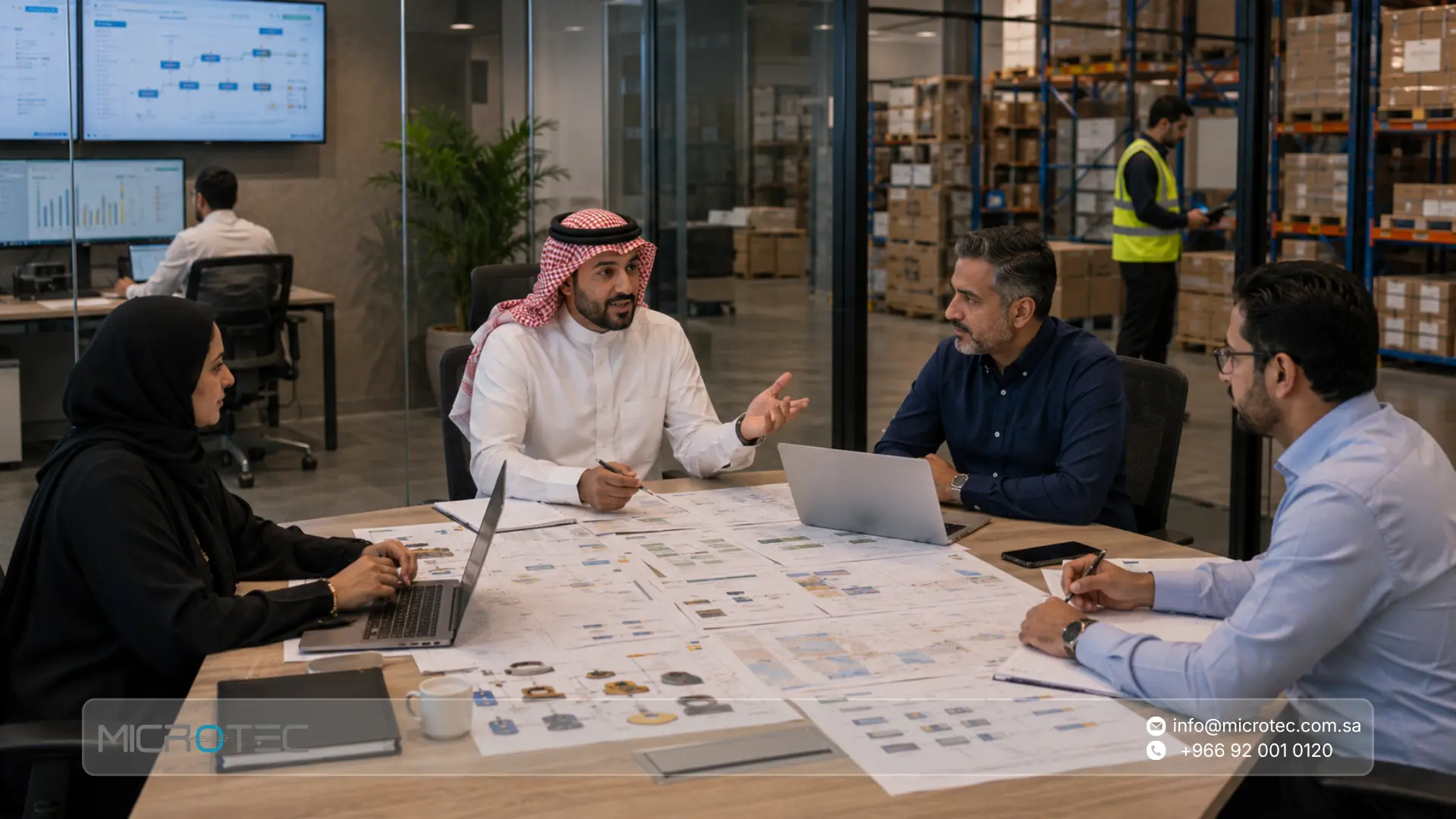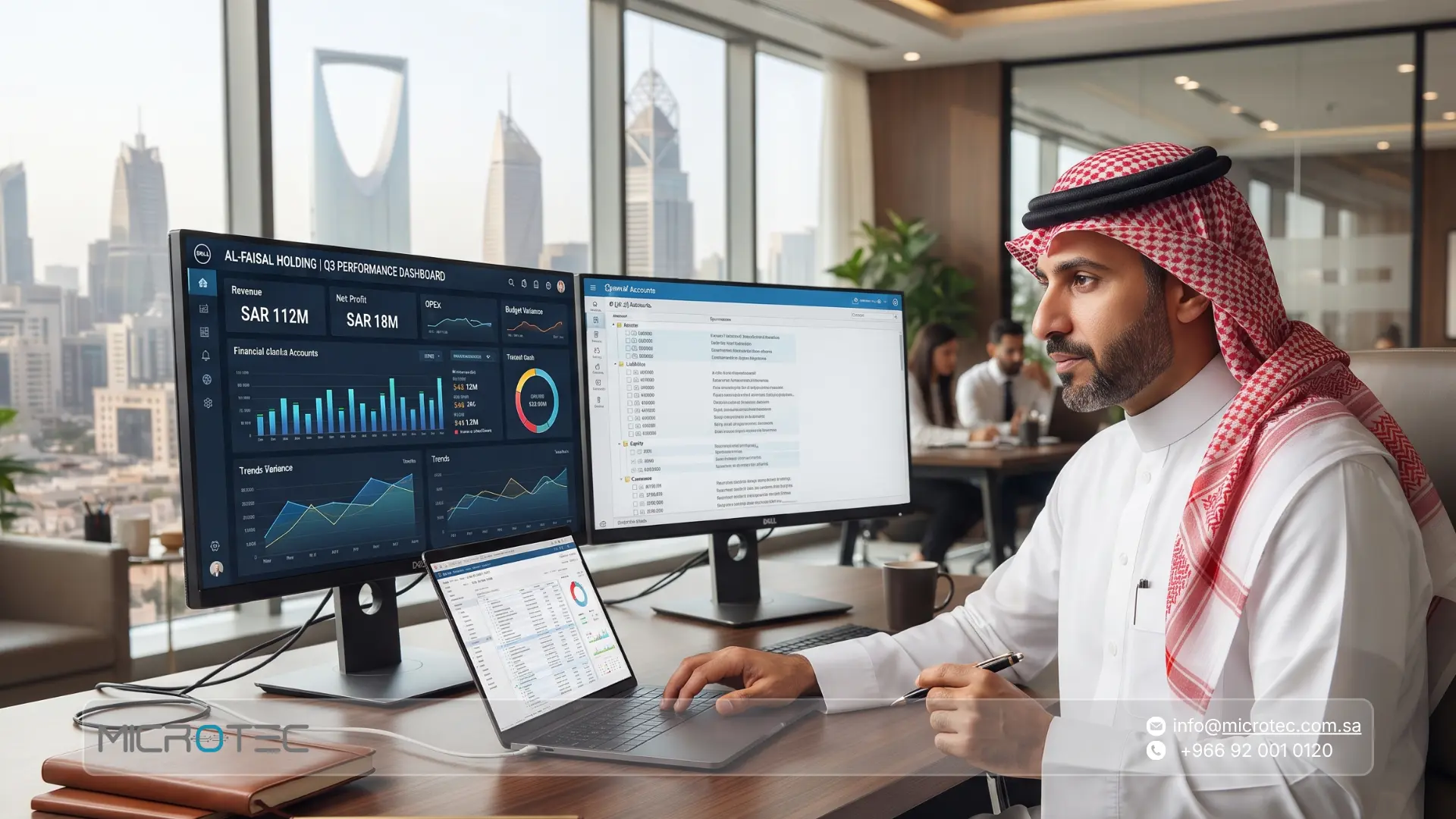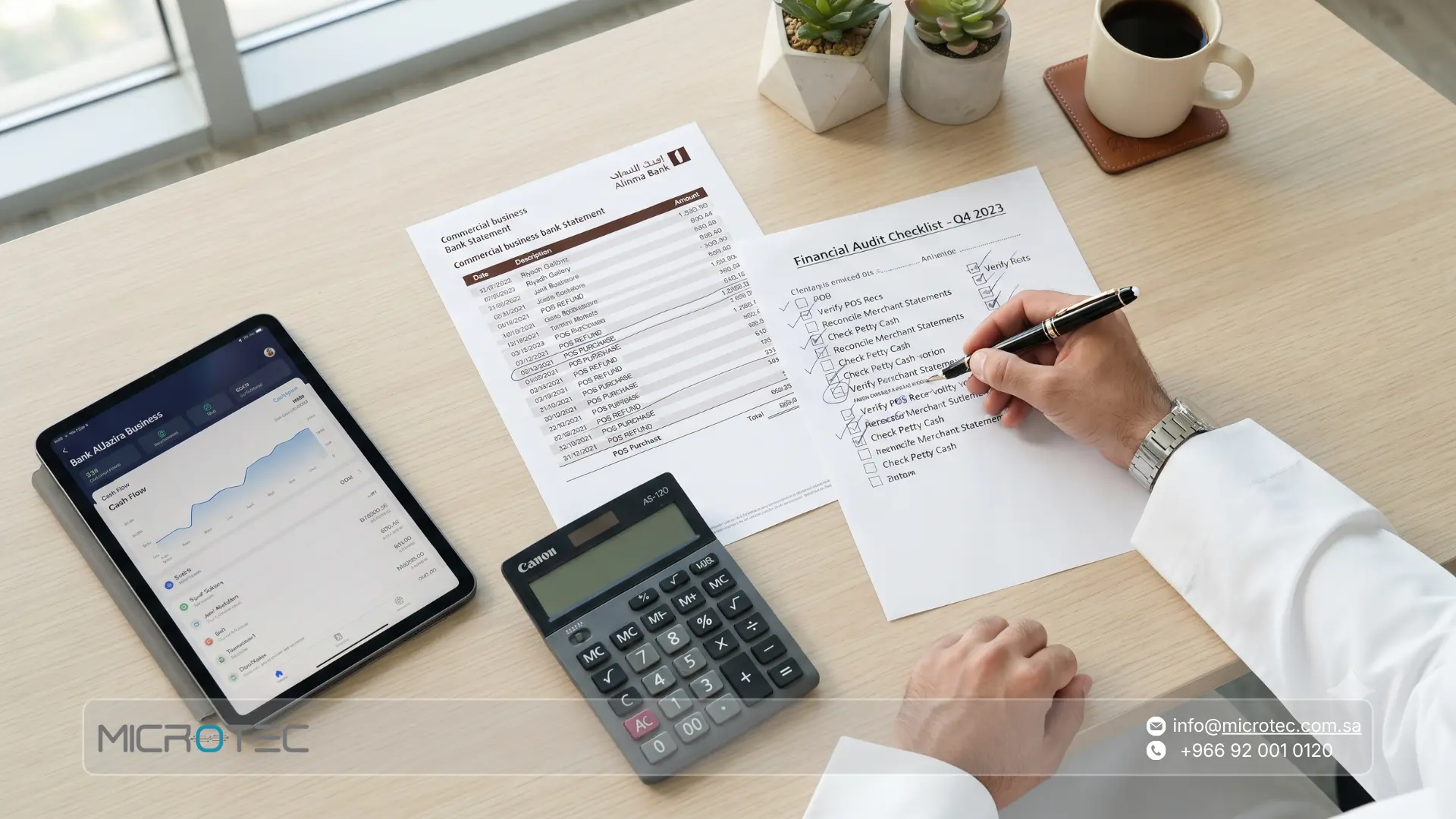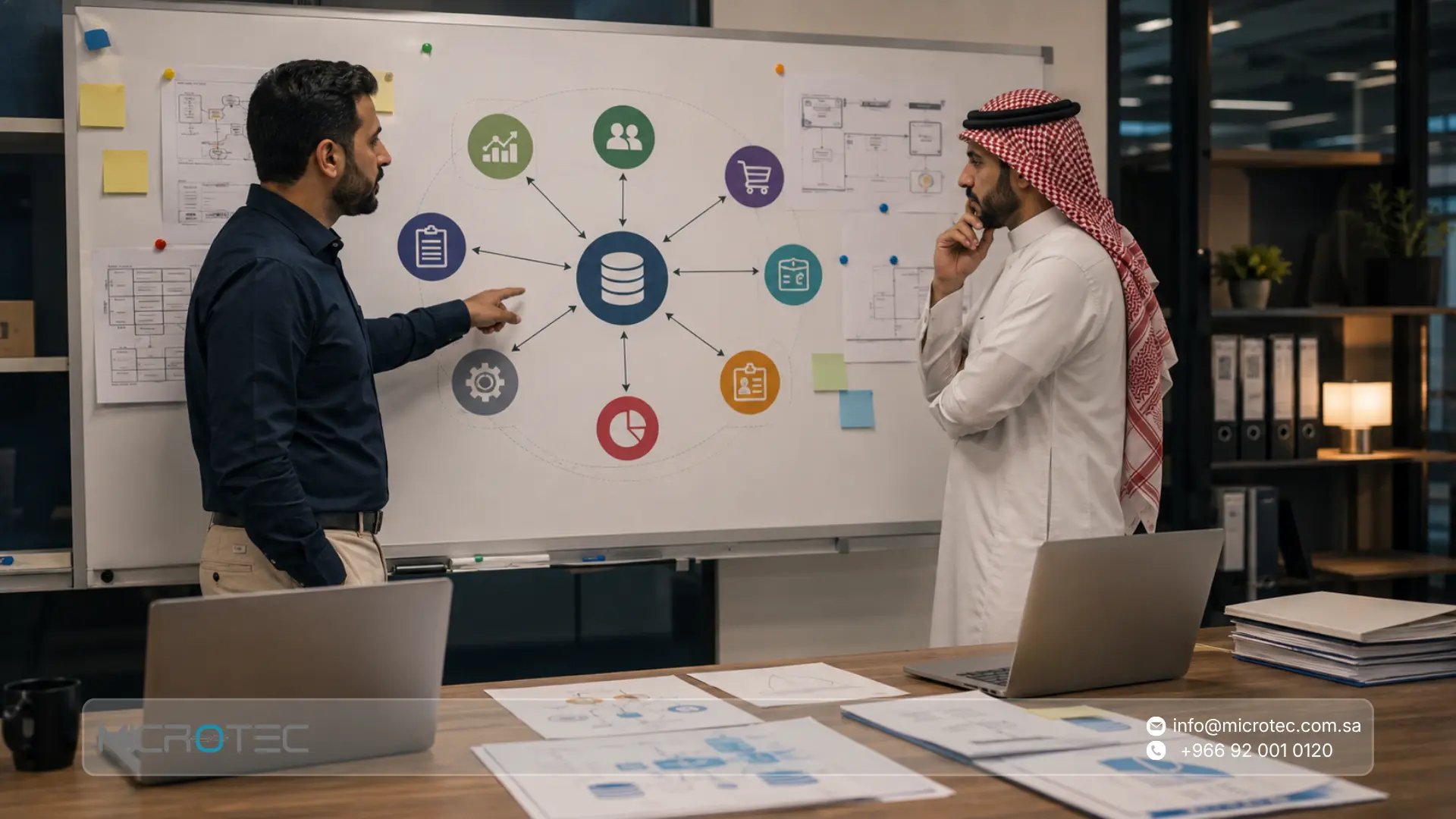
An ERP system becomes valuable when its modules work as one operating environment. A sales transaction affects inventory, customer balances, revenue, and reporting. A purchase affects suppliers, stock levels, costs, and accounts payable. Employee and asset transactions can also create financial effects that management needs to track.
This connected structure is the foundation of modern enterprise resource planning software. Microsoft organizes ERP capabilities around areas such as finance, supply chain, project operations, human resources, and commerce. Oracle describes ERP modules as functional components that serve areas such as finance, procurement, supply chain, and human resources while sharing a common platform and data structure.
In this guide, we explain the main ERP system modules, how they interact, the common types of ERP system, the key features of ERP system environments, and how Microtec connects ERP with specialized systems for retail, restaurants, and field sales.
What Are the Core Modules of an ERP System?
ERP system modules are functional components that manage specific areas of a business while sharing information with other parts of the system.
A company may use modules for finance, sales, procurement, inventory, human resources, fixed assets, and reporting. Other businesses may also require retail POS, field sales, restaurant operations, projects, or customer management.
Oracle explains that ERP modules serve specific business functions while working on a central ERP platform, helping departments use consistent definitions and shared data.
Common modules of an ERP system include:
- Finance and accounting: General ledger, receivables, payables, expenses, cost centers, and financial reporting.
- Sales: Customers, quotations, orders, invoices, returns, and collections.
- Procurement: Suppliers, purchase requests, purchase orders, receiving, and supplier invoices.
- Inventory: Products, warehouses, balances, transfers, adjustments, and stock counts.
- Human resources: Employee data, payroll, leave, and related HR functions.
- Fixed assets: Asset records, depreciation, transfers, and disposal.
- CRM: Customer information, activities, follow-up, and relationship management.
- Reporting and analytics: Operational and financial information collected from the connected modules.
The exact combination depends on the business model and the scope of implementation.
The Problem Connected ERP Modules Solve
Separate software creates additional work whenever data needs to move from one department to another.
Common problems include:
- Re-entering the same transaction.
- Different inventory figures across departments.
- Delays between operations and accounting.
- Manual spreadsheet reconciliation.
- Separate customer and supplier records.
- Delayed management reporting.
- Limited visibility into the source of a financial figure.
Connected ERP software modules allow the same transaction to support several departments.
A sale, for example, can update the customer transaction, inventory movement, financial effect, and management reports within the same operating environment.
Oracle highlights this shared-data approach as a central ERP principle: modules use common structures and a central platform to create a consistent view across the organization.

Types of ERP Systems and Their Key Features
The types of enterprise resource planning can be classified according to deployment architecture as well as functional scope.
The common deployment models are on-premise, cloud, hybrid, and two-tier ERP. SAP identifies these four models as widely used ERP deployment approaches.
Types of ERP System
- On-premise ERP: The ERP software operates within infrastructure controlled by the organization. This model gives the company direct control over its operating environment, infrastructure, data policies, and internal configuration.
- Cloud ERP: The software is hosted remotely and usually provided through a subscription model. Users access the system through the internet.
- Hybrid ERP: The architecture combines local and cloud-based components according to operational and technical requirements.
- Two-tier ERP: A central ERP operates alongside smaller systems used by subsidiaries, branches, plants, or other business units.
These enterprise resource planning types serve different infrastructure, governance, scalability, and operational requirements.
SAP describes on-premise ERP as the traditional deployment model and notes that it provides a high level of control over the environment.
At Microtec, we provide on-premise ERP systems for companies that value direct control over their system environment and business data. This model supports organizations that want to manage infrastructure, permissions, backups, and internal technical policies within their own operating environment.
What About Online ERP Software and Web-Based ERP Systems?
Searches for online ERP software and a web based ERP system often refer to ERP products accessed through a browser or delivered through cloud infrastructure.
Deployment and access architecture should be evaluated separately from the ERP modules themselves.
A company should review:
- Data requirements.
- Infrastructure.
- Security policies.
- User locations.
- Branch connectivity.
- Backup procedures.
- Integration requirements.
- Internal IT resources.
The suitable architecture depends on the company’s operating environment and technical policies.
Features of an ERP System
The most important features of ERP system software come from integration between modules.
- Shared business data: Departments work with connected customer, supplier, product, and transaction information.
- Process integration: Sales, procurement, inventory, and finance can participate in the same workflow.
- Permissions: User access can follow responsibilities and approval levels.
- Operational tracking: Transactions can be traced from their source through subsequent stages.
- Management reporting: Operational and financial data can be analyzed together.
- Workflow automation: Repetitive tasks can be reduced where system configuration supports them.
- Scalability: Additional users, locations, and functions can be introduced according to system capabilities.
- Modular structure: Companies can select functions according to current priorities and future requirements.
Microsoft presents ERP as a connected environment spanning finance, supply chain, projects, human resources, and commerce, while Oracle emphasizes the ability of individual modules to operate on the same enterprise platform.
How Inventory Connects to Sales and Procurement
Inventory sits between sales and procurement in many product-based businesses.
When the company purchases an item, receiving affects the available quantity and creates information that finance needs for supplier accounting.
When that item is sold, the sales transaction affects the available stock and creates a financial transaction.
An ERP procurement software module and inventory module therefore become much more useful when they share the same product, supplier, warehouse, and financial data.
A typical connected purchasing process can cover:
- Purchase requirement: The business identifies what needs to be purchased.
- Purchase order: The supplier, products, quantities, and terms are recorded.
- Receiving: The warehouse records the quantity physically received.
- Inventory: Stock is updated in the appropriate location.
- Supplier invoice: The financial obligation is recorded.
- Reporting: Management can analyze purchases, suppliers, inventory, and costs.
A sales ERP system creates a similar connection on the other side of inventory by linking customers, orders, invoices, stock movements, collections, and financial reporting.
Oracle lists procurement, inventory, order management, financials, supply chain, and related functions among the capabilities commonly covered by ERP.

Advantages and Challenges of ERP Modules
Understanding the operational advantages and implementation requirements helps companies define a realistic ERP project.
ERP advantages | Implementation challenges |
Unified data: Departments use connected business information. | Data preparation: Customer, supplier, item, and opening-balance data requires review before migration. |
Less duplicate entry: Transactions can serve several business functions. | User training: Employees need training on the functions related to their work. |
Better control: Permissions and approval levels can be structured inside the system. | Excessive customization: Unnecessary changes can increase project complexity and cost. |
Connected finance: Financial effects can be linked to operational transactions. | Oversized scope: Activating unnecessary modules increases implementation effort. |
Better reporting: Management can use information from connected modules. | Implementation discipline: Process mapping, testing, and user preparation affect results. |
Scalable structure: Additional modules or users can be introduced according to system capabilities. | More complex projects need more planning: Locations, integrations, users, and custom requirements increase implementation scope. |
Oracle notes that companies use different ERP rollout strategies. Some launch several capabilities together, while others use a phased implementation that starts with priority functions and adds modules according to a roadmap.
How ERP System Modules Work Together
The value of an ERP management system becomes easier to understand through everyday transactions.
A connected process may work as follows:
- Sales: A customer order connects with invoicing, inventory movement, receivables, and reporting.
- Procurement: A purchase order connects with the supplier, receiving, stock, supplier liabilities, and finance.
- Inventory transfers: Products move between locations while maintaining a record of the movement.
- Returns: Stock and financial records are updated according to the type of return.
- HR: Payroll and employee-related costs can flow into financial reporting according to system configuration.
- Assets: Asset purchases, depreciation, and disposal can connect with the financial records.
This structure reduces the need to reconstruct the same business event in separate applications.
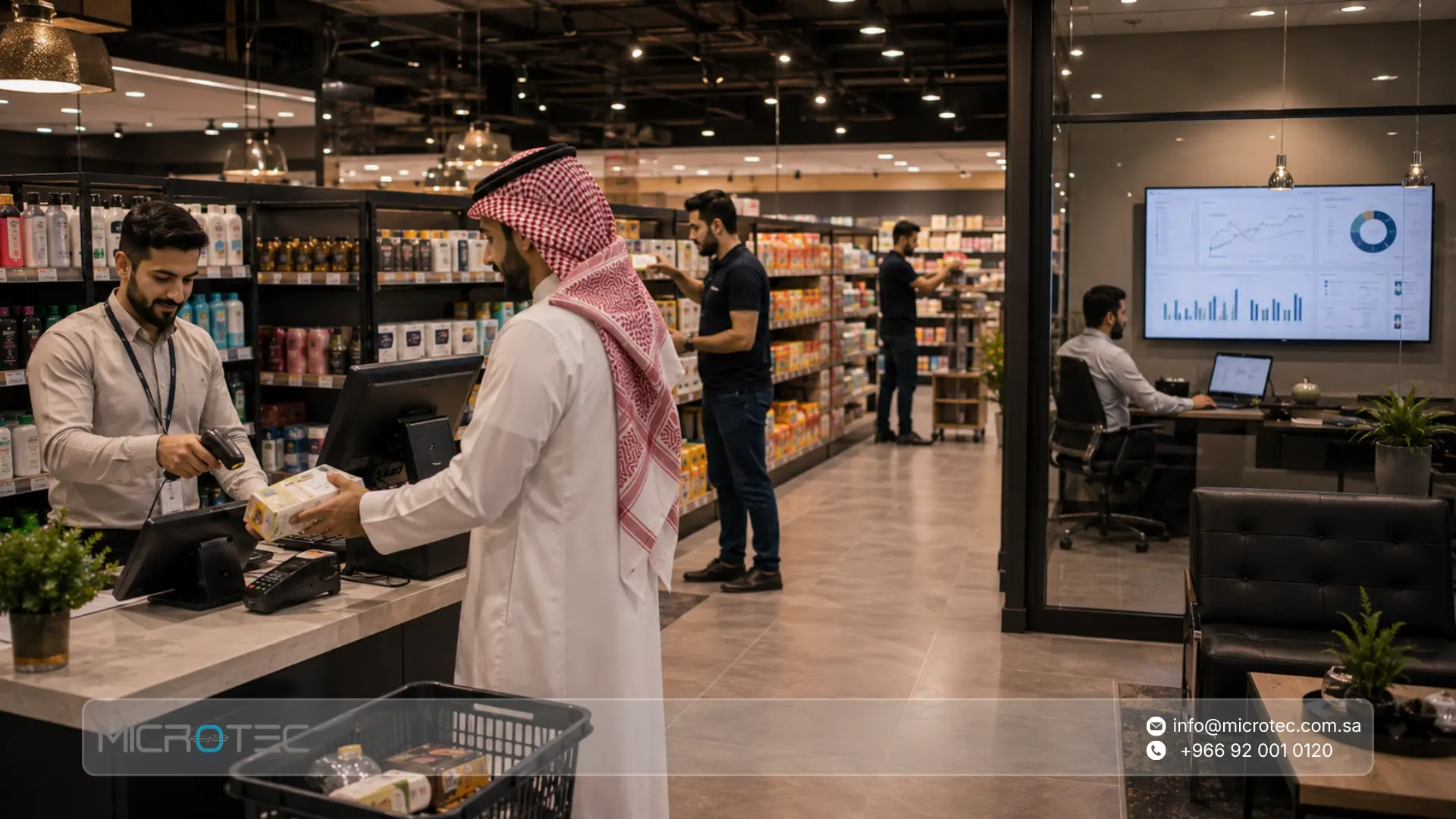
12 Common ERP System Modules and What Each One Offers
The number and names of modules vary between enterprise resource planning softwares. These 12 areas represent common functions companies may include in an ERP environment.
- Finance and Accounting: Manages general ledger, accounts receivable, accounts payable, expenses, cost centers, taxes, and financial statements. Oracle describes financial management as the foundation of many ERP environments.
- Sales Management: Covers customers, quotations, sales orders, pricing, invoices, returns, and collections while connecting sales activity with inventory and finance.
- Procurement: Handles suppliers, purchase requests, purchase orders, receiving, and supplier transactions. The ERP procurement software component provides operational context before purchasing reaches accounting.
- Inventory and Warehouses: Tracks products, quantities, locations, receiving, issues, transfers, adjustments, counting, and stock movement.
- Human Resources: Supports employee records, payroll, leave, and related HR processes according to the implementation. Microsoft includes Human Resources within its connected ERP application portfolio.
- Fixed Assets: Tracks assets, classifications, locations, depreciation, transfers, purchases, and disposal.
- CRM: Organizes customer information, interactions, activities, and relationship data. ERP CRM software becomes especially useful when customer activity needs to connect with ordering, invoicing, and finance.
- Branch Management: Helps companies monitor transactions, inventory, users, and performance across multiple locations.
- Retail POS: Connects store-level transactions with inventory and central management. Microtec provides O-GREEN for retail sales, inventory tracking, payments, and branch reporting, with ERP integration between inventory, sales, and accounting.
- Restaurant Operations: Restaurant businesses require functions such as order management, tables, payments, and operational control. Microtec O-RED integrates with ERP to connect restaurant sales, inventory, and cost management.
- Field Sales and Distribution: Supports operations performed outside the office. Microtec O-Orange manages field orders, invoices, inventory visibility, and performance reporting while integrating sales, inventory, and accounting with Microtec ERP.
- Reporting and Analytics: Combines information generated across finance, sales, procurement, inventory, and other modules to help management analyze business performance.
These modules of enterprise resource planning illustrate why ERP functions as a connected business environment rather than a single-purpose application.
ERP CRM Software: CRM Module vs. Sales Module
The CRM and sales modules work around the customer from different perspectives.
CRM | Sales ERP Module |
Customer and contact information | Sales transactions |
Relationship history | Quotations |
Activities and follow-up | Sales orders |
Opportunities where supported | Invoices |
Customer interactions | Returns |
Sales pipeline where supported | Collections and financial effects |
The CRM function supports relationship management, while the sales module manages the commercial transaction.
Oracle explains that ERP can integrate with CRM applications to create a broader view of customers and connect front-office activity with operational processes.
ERP System Architecture: How the Modules Share Data
ERP system architecture determines how modules, users, databases, integrations, and infrastructure work together.
At a conceptual level, the architecture includes:
- A shared or connected data structure.
- ERP applications and modules.
- User accounts and permissions.
- Business rules.
- Reporting.
- Integrations.
- Infrastructure.
- Backup and security processes.
The central principle is data consistency.
For example, the same product code can be used by sales, purchasing, and inventory. The customer record used for a sales transaction can also support receivables and reporting. The supplier used in procurement can connect with accounts payable.
Oracle explains that ERP modules use defined data structures and a central platform so information remains consistent across departments.

ERP Automation Software and Workflow Automation
An ERP automation system can reduce repetitive tasks and help enforce defined business rules.
Examples may include:
- Routing transactions through approval stages.
- Updating related records after a transaction.
- Creating financial effects from operational activity.
- Generating alerts according to predefined rules.
- Reducing repeated data entry.
- Preparing recurring reports.
The actual automation available depends on the ERP product and configuration.
An ERP automation software implementation should focus on processes that are clearly defined. Automating an unclear workflow can reproduce the same operational problem faster.
Custom ERP Software: Configuration vs. Development
The term custom ERP software can describe several different approaches.
A company may configure a standard ERP product around its processes, customize selected functions, build integrations, or commission completely new software.
These options have different project implications.
- Configuration: Uses existing ERP capabilities and settings.
- Customization: Modifies or extends existing functionality.
- Integration: Connects ERP with another business application.
- ERP software development: Creates new functionality or software components.
- Fully custom ERP system: Builds a system specifically around the organization’s requirements.
Companies searching for how to build a custom ERP system should first determine whether full software development is necessary.
A fully custom ERP project requires analysis of data structures, financial rules, workflows, permissions, security, integrations, reporting, testing, deployment, and long-term maintenance.
For many businesses, configuring a proven ERP environment around the company’s actual processes provides a more controlled project scope than developing an entire system from the beginning.
Dynamic ERP System and Changing Business Requirements
The phrase dynamic ERP system generally describes an ERP environment that can adapt as business requirements change.
Adaptability may involve:
- New branches.
- Additional warehouses.
- More users.
- New approval rules.
- Additional reports.
- New modules.
- Integrations.
- Changes in organizational structure.
A scalable ERP foundation allows companies to plan these changes without rebuilding the entire business environment each time.
Oracle specifically recommends considering flexibility and scalability when selecting ERP modules, since companies may need to add capabilities as their priorities and operating conditions change.
How to Choose the ERP Modules Your Business Actually Needs?
Choosing ERP system modules should begin with business processes.
Focus on these areas:
- Core processes: Identify how sales, purchasing, inventory, finance, HR, and other departments work today.
- Operational problems: Document duplicate entry, stock discrepancies, delayed reports, approval problems, and spreadsheet dependency.
- Process relationships: Identify where data passes from one department to another.
- Priority functions: Separate essential modules from functions that can be introduced later.
- Reporting needs: Define what management needs to see regularly.
- User roles: Identify who creates, reviews, approves, and modifies transactions.
- Real transaction testing: Test sales, returns, purchases, receiving, transfers, and other relevant workflows before rollout.
Oracle notes that companies can use phased ERP implementation, launching selected capabilities first and adding others according to business priorities.
Microtec: An ERP System With Connected Business Modules
At Microtec, we start with the company’s operating model and identify which processes need to share data.
A retailer may need POS, inventory, purchasing, and finance. A distribution company may require field sales and mobile inventory. A restaurant requires an operating process centered on orders, payments, inventory, and costs.
Microtec’s product portfolio includes a central ERP solution alongside O-GREEN for retail, O-RED for restaurants and cafés, and O-Orange for field sales and distribution. Microtec describes its ERP as an integrated business management solution connecting processes across the organization.
The environment can connect:
- Sales: Customers, sales transactions, inventory effects, accounting, and reporting.
- Procurement: Suppliers, purchasing, receiving, inventory, and financial records.
- Inventory: Product balances and movement across connected operational processes.
- Finance: Financial information generated by business activity.
- Retail: O-GREEN connects retail operations with inventory, sales, and accounting.
- Restaurants: O-RED connects restaurant operations with ERP for inventory, sales, and cost management.
- Field sales: O-Orange integrates field orders, invoices, inventory, sales, and accounting with Microtec ERP.
The implementation scope depends on the business processes that require integration.
If your company currently manages sales, purchasing, inventory, and accounting through separate tools, contact Microtec to review the processes that should be connected within your ERP environment.
Microtec Modules vs. Standalone Software Tools
Area | Standalone Software | Connected Microtec Environment |
Sales | Data may require transfer to other systems | Can connect with inventory and accounting |
Procurement | May operate as a separate workflow | Connects purchasing with suppliers, receiving, inventory, and finance |
Inventory | Requires reconciliation with other applications | Connects stock movement with operational transactions |
Finance | Receives data from other systems | Financial information is connected to source processes |
Retail | Separate POS environment | O-GREEN integrates retail sales, inventory, and accounting |
Restaurants | Separate operating software | O-RED integrates with ERP for sales, inventory, and cost management |
Field sales | Transactions may remain outside central systems | O-Orange integrates field activity with ERP |
Reporting | Information may require consolidation | Reports can use data from connected processes |
Practical Examples of Connected Microtec Modules
The value of connected ERP business software solutions becomes clearer through daily operations.
- Retail sale: A transaction in O-GREEN can connect retail sales with inventory and accounting data. O-GREEN also provides reports covering daily sales, best-selling products, and branch performance.
- Field sales order: A representative using O-Orange can manage orders and invoices while the system integrates with Microtec ERP to maintain consistency between sales, inventory, and accounting.
- Restaurant transaction: O-RED manages orders and payments and integrates with ERP for inventory, sales, and cost management.
- Central business management: Microtec ERP provides the core environment for connecting major organizational processes and managing business information centrally.
These examples show how specialized operational systems can remain connected to the wider ERP environment.
Finally, ERP system modules organize different business functions within a connected management environment.
Finance, sales, procurement, inventory, HR, fixed assets, CRM, and reporting each serve a specific purpose. Their greater operational value comes from sharing business data and supporting connected processes.
The appropriate ERP management system should therefore be selected according to the processes your company needs to manage, the relationships between departments, reporting requirements, users, infrastructure, and future expansion.
At Microtec, we provide an on-premise ERP environment for core business management and connect it with specialized systems such as O-GREEN for retail, O-RED for restaurants and cafés, and O-Orange for field sales and distribution.
Contact Microtec to identify the ERP system modules your business needs and build an implementation scope around your actual operating processes.
Frequently Asked Questions About ERP System Modules
1-What Are the Modules in an ERP System?
Common ERP system modules include finance, sales, procurement, inventory, HR, fixed assets, CRM, and reporting. Companies can add specialized functions according to industry and operational requirements.
2-Can You Start With Only Selected ERP Modules?
Yes. ERP projects can use a phased approach based on business priorities. Companies may start with core areas such as finance, sales, procurement, or inventory and expand the scope according to operational needs.
3-What Is CRM ERP Software?
ERP CRM software connects customer relationship information with broader business processes. CRM focuses on customer relationships and activities, while ERP connects operational and financial functions such as sales, inventory, procurement, and accounting.
4-Can New ERP Modules Be Added Later?
Many modular ERP environments support additional capabilities as business requirements change. The impact on data, permissions, integrations, infrastructure, and existing workflows should be reviewed before expansion.
5-Which ERP Module Should a Company Start With?
Finance is commonly a core ERP module, with sales, procurement, and inventory forming the operational foundation for many businesses. The correct starting scope depends on the company’s processes and priorities.
6-What Are the Types of ERP Software?
The common deployment types include on-premise, cloud, hybrid, and two-tier ERP. The appropriate model depends on infrastructure, governance, security, integration, and operational requirements.