As a business grows, managing accounting, sales, purchasing, inventory, and reporting through separate tools becomes increasingly difficult. The main problem is no longer recording transactions; it is keeping every department working with consistent information.
An ERP system solves this problem by connecting core business processes and data in one environment. Instead of maintaining separate records for finance, purchasing, inventory, sales, HR, and assets, enterprise resource planning allows these functions to work as parts of the same operational structure.
Microsoft defines ERP as business management software that integrates core processes across functions such as finance, supply chain, procurement, manufacturing, human resources, and project management. Oracle similarly describes enterprise resource planning systems as integrated applications built on a common data model that provides a single source of truth.
This guide provides a complete ERP system overview, explains the ERP system meaning and ERP software definition, compares ERP with accounting software, and shows how Microtec helps businesses in Saudi Arabia connect their daily operations.
ERP System: Definition, Meaning, and the Problem It Solves
An ERP system is more than an accounting application or a collection of unrelated business tools. Its purpose is to connect processes that depend on each other.
Sales affect inventory and customer balances. Purchasing affects stock and supplier liabilities. Inventory movements affect costing. Payroll, fixed assets, expenses, and projects all create financial effects that management needs to understand in context.
An enterprise resource planning system connects these activities through shared information instead of requiring every department to maintain its own version of the same transaction.
What Does ERP Stand For?
ERP stands for Enterprise Resource Planning. It is business management software that connects a company’s core operations and data within one integrated system.
Microsoft defines ERP as software that integrates core business processes, connects information, and helps organizations automate workflows and improve decision-making.
What Is in an ERP System?
An ERP system may include:
- Finance and accounting: General ledger, receivables, payables, taxes, and financial reporting.
- Sales: Orders, invoicing, returns, pricing, and sales reports.
- Purchasing: Suppliers, purchase orders, receiving, and supplier invoices.
- Inventory: Warehouses, stock balances, transfers, and stock movements.
- Human resources: Employee records, payroll, and HR processes.
- Fixed assets: Asset tracking, depreciation, and lifecycle management.
- Projects and cost centers: Allocation of revenues and expenses.
- Reporting: Operational and financial data for management.
ERP business management software therefore covers a wider range of operations than a standalone accounting program.
A Simple ERP System Example
Consider a business purchasing new inventory. Without an integrated ERP software system, the purchasing team may create the order in one application, the warehouse may update stock in a spreadsheet, and finance may later enter the supplier invoice separately.
With an ERP software solution, the same process can remain connected.
- The business records a purchase requirement.
- The request goes through the required approval.
- A purchase order is issued.
- The warehouse records what was actually received.
- Inventory is updated based on the received quantity.
- The supplier invoice is reviewed against the purchasing and receiving information.
- The financial liability appears in accounting and management reports.
This ERP system example illustrates the main principle of enterprise resource planning: one business transaction can serve multiple departments without being rebuilt manually at each stage.
The Daily Business Problems an ERP System Solves
Most businesses start looking for ERP software because operational complexity has increased.
1-Duplicate Data Entry
The same customer, supplier, product, order, or invoice may be entered in several systems.
This increases administrative work and creates more opportunities for inconsistencies.
2-Conflicting Numbers Between Departments
Sales may show one stock figure, warehouse staff another, and finance a third.
Oracle identifies a common data model and a single source of truth as core ERP benefits because they help reduce duplication and improve data consistency across departments.
3-Delayed Reporting
The company may have the data it needs but still spend hours or days combining spreadsheets before management can use it.
An ERP system allows operational and financial reporting to use the information generated by daily transactions.
4-Too Much Manual Work
Common examples include re-entering invoices into accounting, maintaining stock reconciliation files, tracking purchase approvals outside the system, and rebuilding management reports every month.
Microsoft and Oracle both identify automation and reduced manual work as important benefits of ERP software.
5-Heavy Dependence on Spreadsheets
Excel remains useful, but it becomes a warning sign when spreadsheets are effectively replacing missing business processes.
A company may rely on external files for purchase orders, stock transfers, commissions, cost centers, or monthly reporting because its existing systems do not connect these functions.
6-Limited Visibility Into the Source of a Number
Management may know that purchasing expenses increased without being able to immediately identify the supplier, product, branch, project, or purchasing decision behind the increase.
An integrated ERP software system solution makes it easier to connect a financial result with the operational transaction that created it.
If your business is repeatedly reconciling sales, purchasing, inventory, and accounting data manually, contact Microtec to explore how these processes can be connected within one ERP environment.

ERP System Overview: How Enterprise Resource Planning Works?
Enterprise resource planning is not limited to planning. An ERP system manages daily transactions and uses the resulting information for control, reporting, and decision-making.
How an ERP System Connects Departments
A sales process can begin with a customer order, continue through invoicing and stock movement, affect the customer account, and then appear in financial and sales reports.
A purchasing process can begin with an internal requirement, continue through approval, ordering and receiving, and then reach inventory and supplier accounting.
The important point is not the number of stages. It is that every stage uses information created earlier in the same process.
Microsoft describes enterprise resource planning systems as software that connects functions such as finance, procurement, supply chain, HR, and other operational areas through shared workflows and information.
Real-Time Data vs. Delayed Reports
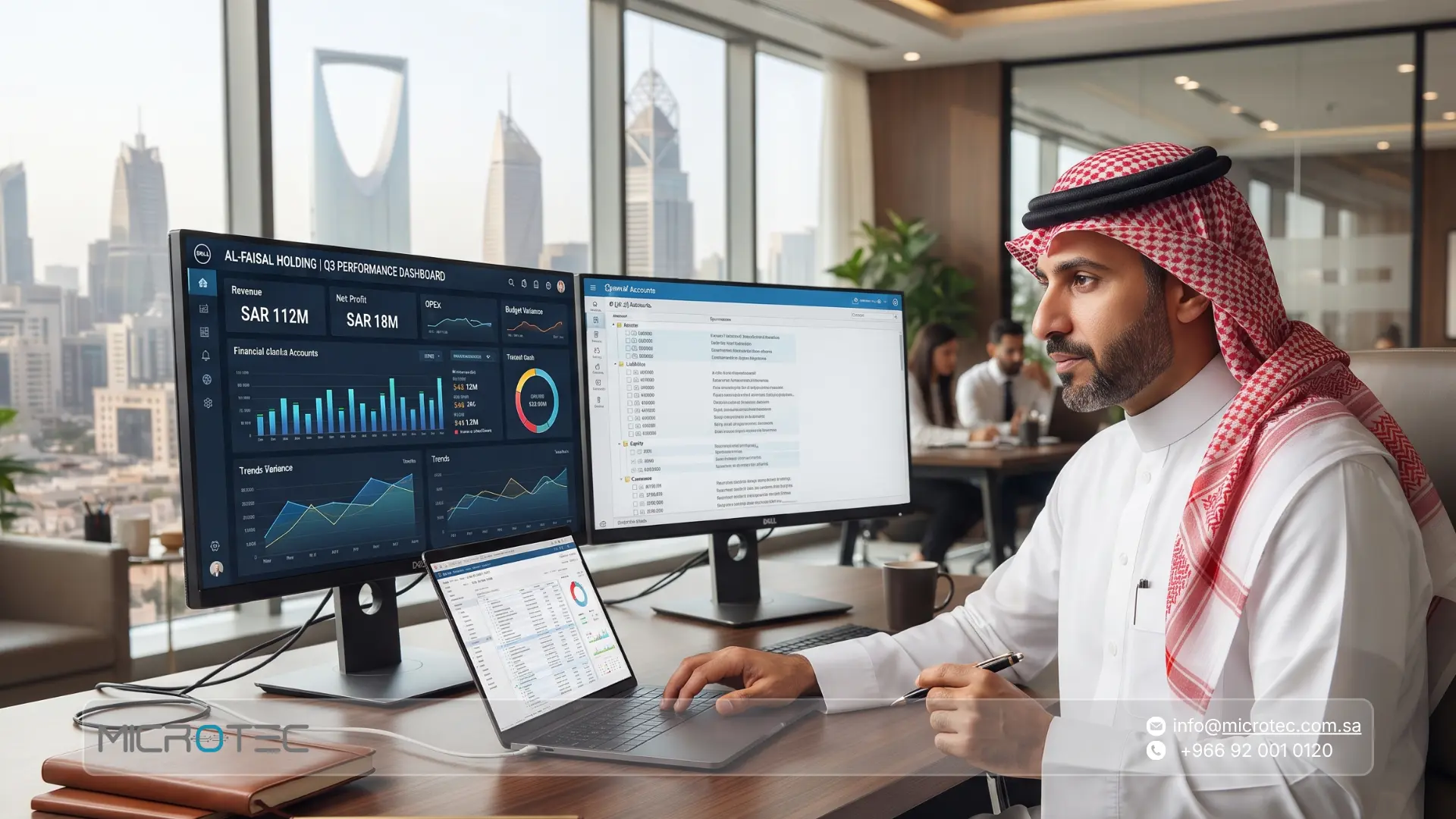
One of the most important ERP software benefits is better operational visibility. Depending on the system configuration, management can monitor areas such as sales by branch, available inventory, open purchase orders, customer balances, supplier liabilities, cost centers, product performance, and financial results.
Oracle highlights improved visibility into profitability, costs, revenue, and key business indicators as a major benefit of ERP.
Better Coordination Between Departments
The information entered by one department can support another stage of the process instead of being entered again.
ERP implementation research repeatedly identifies business-process fit, communication, data management, testing, project management, and system integration as important factors in successful ERP adoption.
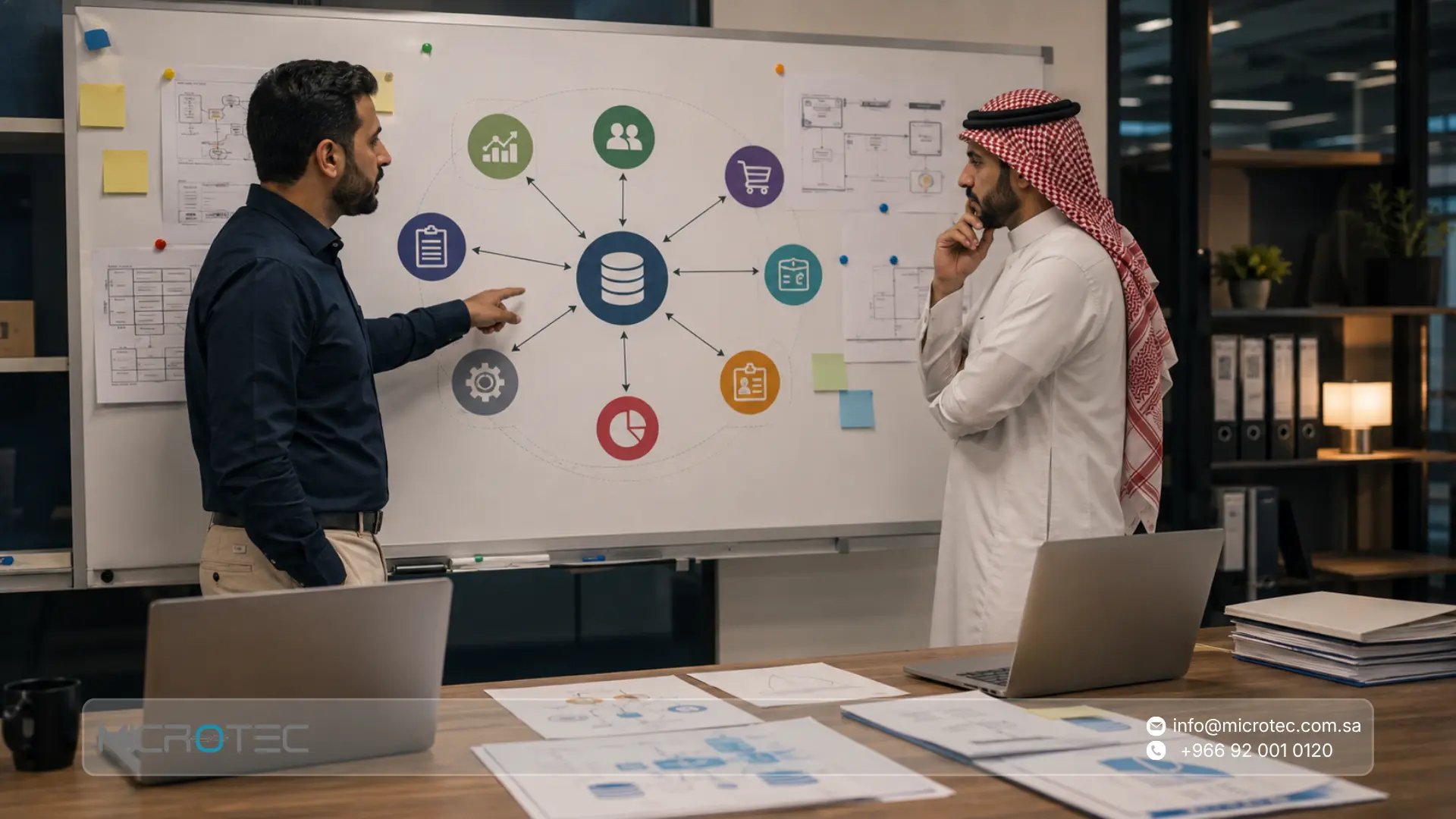
ERP System Diagram: A Simple Way to Understand the Structure
A simple ERP system diagram would place the ERP environment at the center and connect it to finance, sales, purchasing, inventory, HR, fixed assets, and other required business functions.
The purpose of the diagram is not to show that every department uses the same screen. It shows that the departments exchange information through the same enterprise resource planning environment.
For example, sales may create a transaction, inventory may record the stock effect, and finance may receive the corresponding accounting information without rebuilding the transaction independently.
This connected structure is what distinguishes an ERP system from a group of separate applications.
When Does a Business Need One ERP System Instead of Separate Tools?
There is no fixed employee count or revenue level at which every business needs ERP.
Operational complexity is usually more important than business size.
Signs That Your Business May Need ERP
- Multiple disconnected systems: Accounting, sales, purchasing, and inventory operate independently.
- Repeated data entry: Employees re-enter the same transaction into several applications.
- Multiple branches or warehouses: Consolidated stock and branch performance are difficult to monitor.
- Delayed reports: Management depends on manual data consolidation.
- Inventory discrepancies: Physical stock frequently differs from recorded balances.
- Complex approvals: Purchasing or discounts are approved through email or messaging outside the system.
- Limited profitability analysis: Profit by branch, product, project, or cost center is difficult to calculate.
- Heavy spreadsheet dependence: Excel is filling important functional gaps.
- Growth creates operational friction: New branches or warehouses require additional disconnected processes.
A small company with complex operations may therefore need an ERP system sooner than a larger company with a simpler operating model.

ERP System vs. Accounting Software: The Practical Difference
Accounting software and ERP software overlap, but they do not solve exactly the same problem.
- Accounting software focuses mainly on the financial effect of transactions.
- An ERP system manages a broader operational process and connects that process with its financial effect.
What Accounting Software Usually Covers
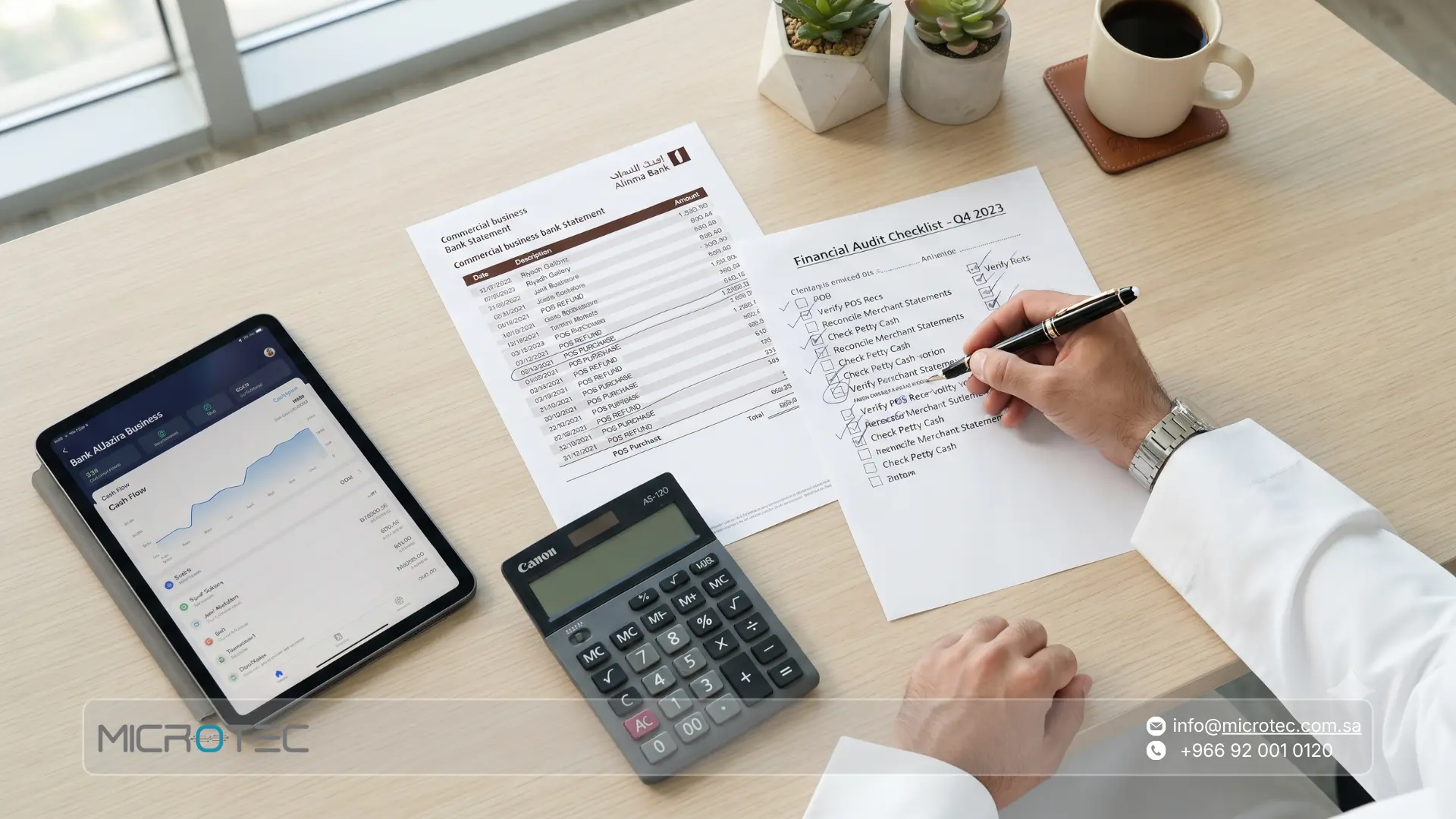
Accounting software commonly focuses on general ledger, receivables, payables, taxes, invoicing, expenses, and financial statements.
Some systems add sales or inventory functions, but their primary purpose remains financial management.
What an ERP System Adds
An ERP software solution can connect accounting with:
- Sales orders and customers.
- Purchase requests and approvals.
- Purchase orders and suppliers.
- Receiving.
- Warehouses and inventory.
- Transfers and stock counting.
- Human resources.
- Fixed assets.
- Cost centers.
- Projects.
- Operational reporting.
Oracle defines ERP as software used to manage daily business activities including accounting, procurement, project management, planning, risk management, and supply-chain operations within an integrated suite.
ERP vs. Accounting Software Comparison
Area | Accounting Software | ERP System |
Primary purpose | Financial management | Integrated operational and financial management |
Accounting | Core function | Core ERP component |
Sales | Often invoice-focused | Orders, customers, inventory, invoices, and financial impact |
Purchasing | Supplier invoices and payments | Requests, approvals, purchase orders, receiving, and accounting |
Inventory | Varies by system | Connected to sales, purchasing, transfers, and operations |
HR | Usually separate | Can be integrated |
Fixed assets | Depends on the product | Can be integrated with finance |
Cost centers | Mainly financial | Can connect financial and operational activity |
Data | May come from several systems | Built around connected business data |
Reporting | Mainly financial | Financial, operational, and management reporting |
A Practical Example: The Supplier Invoice
With accounting software, the supplier invoice may be the first point at which finance sees the transaction.
With ERP, that invoice can be connected to the original requirement, approval, purchase order, supplier, received quantity, inventory movement, and financial liability.
This is why all in one business management software can provide more operational context than standalone accounting software.
18 Things to Check Before Moving From Accounting Software to ERP
Moving to ERP software is not simply a software replacement. The business processes and underlying data need to be prepared first.
Business Structure
- Legal entities: Define the companies or entities that will operate in the system.
- Branches: Document branches and their relationship with head office.
- Warehouses: Identify storage locations and how inventory moves between them.
- Users: Define users, responsibilities, and access levels.
Sales and Customers
- Sales workflow: Document ordering, pricing, invoicing, collections, and returns.
- Pricing rules: Define price lists, discounts, and exceptions.
- Customer credit: Document credit limits and approval policies.
- Returns: Define how returned products affect stock and accounting.
Purchasing and Suppliers
- Approval workflow: Define purchasing authority and approval levels.
- Purchase orders: Document purchase-order creation and tracking.
- Receiving: Define full and partial receiving procedures.
- Supplier invoices: Define how supplier invoices are reviewed before financial approval.
Inventory
- Units of measure: Define purchasing, stocking, and selling units.
- Transfers: Document movements between warehouses and branches.
- Stock counting: Define cycle counts, full counts, and discrepancy handling.
- Product tracking: Identify requirements for expiry dates, batches, or serial numbers where relevant.
Finance and Management
- Cost centers and projects: Define how revenue and expenses should be analyzed.
- Management reporting: Identify the reports and KPIs needed for daily and monthly decisions.
ERP research consistently identifies process fit, data management, testing, project management, change management, vendor support, training, and top-management support among the factors associated with successful implementation.

Key Benefits of ERP Software
ERP benefits vary by company, and no ERP software solution can guarantee a fixed performance result. However, reliable professional and academic sources consistently identify several potential advantages.
- Unified data: Departments work with connected customer, supplier, product, inventory, sales, and financial information.
- Reduced manual work: Repetitive processing can be automated or streamlined.
- Better operational visibility: Management can see financial and operational data in a more connected context.
- Improved coordination: Information entered in one part of the company can support another stage of the same workflow.
- More reliable reporting: Shared data reduces inconsistencies caused by combining reports from disconnected systems.
- Better decision support: Sales, purchasing, inventory, costs, and financial results can be analyzed together.
- Scalability: A well-configured ERP environment can support additional users, branches, warehouses, and operating requirements as the company grows.
Microsoft highlights centralized workflows, automation, connected data, and better decision-making as core ERP benefits. Oracle similarly emphasizes a single source of truth and reduced manual work.
However, ERP performance depends on implementation quality. A systematic review of large-enterprise ERP projects identified top-management support, strong project teams, and good communication among the most important implementation success factors.
Microtec: A Complete ERP System for Businesses in Saudi Arabia
At Microtec, we do not approach ERP as accounting software with a few additional modules.
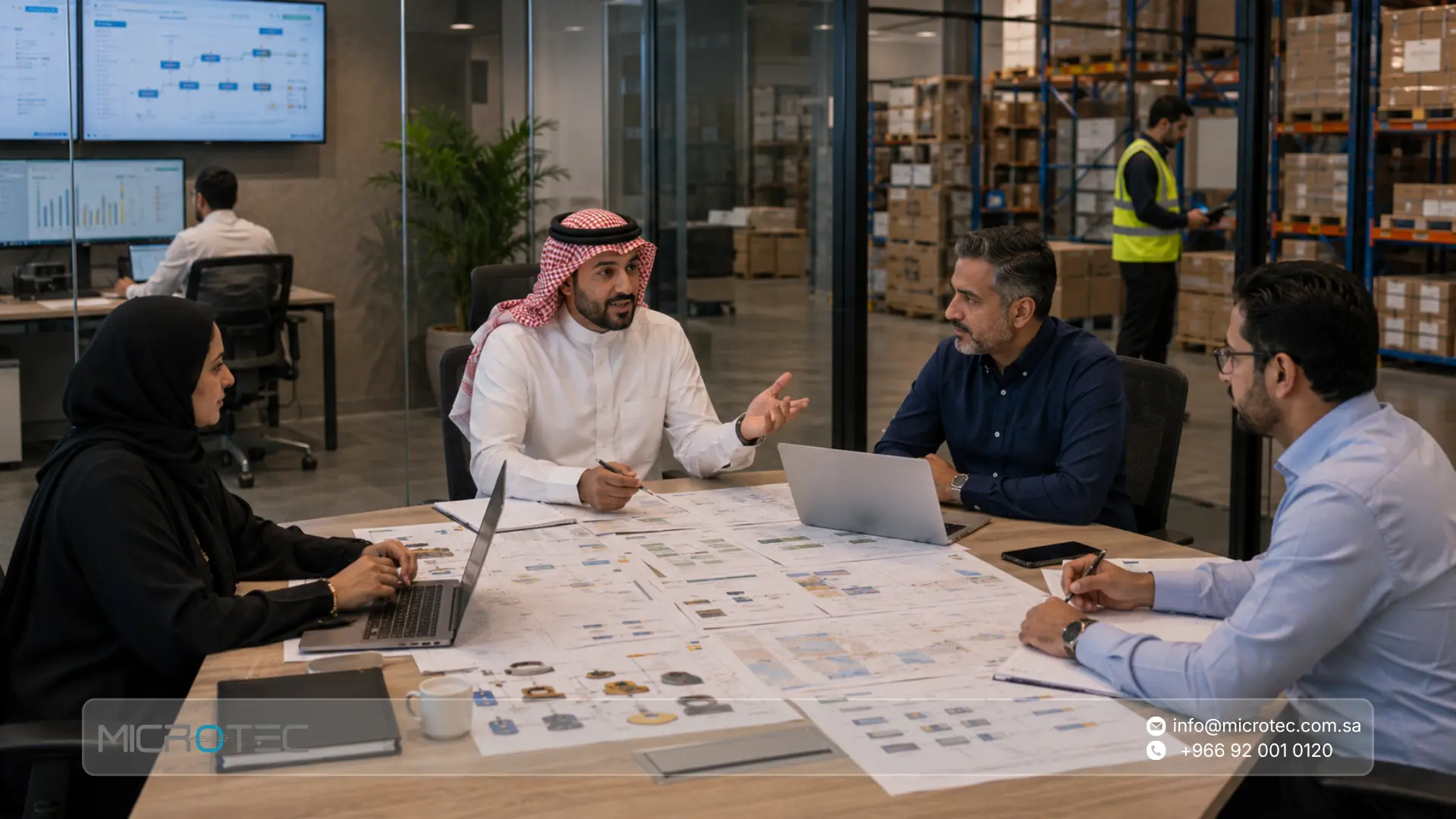
We start with how the company actually operates and identify where data needs to connect across sales, purchasing, inventory, finance, employees, assets, and other required functions.
A retail business may need stronger POS integration. A distribution company may need field sales and vehicle inventory. A restaurant requires a different operating flow from a company managing several warehouses.
That is why we configure the solution around the business process rather than applying exactly the same structure to every company.
Microtec positions its ERP and operational systems as an integrated business management environment covering core business functions and specialized operating models.
Sales Connected to Inventory and Finance
A sale does not end when the invoice is created. Within Microtec ERP, sales can be connected with customer information, invoices, inventory movement, financial records, and management reporting according to the configured process.
The goal is for different departments to use the same transaction rather than maintain separate versions of it.
Purchasing Connected to Suppliers, Inventory, and Finance
Purchasing begins before the supplier invoice reaches accounting.
A connected ERP process can organize purchasing requirements, purchase orders, suppliers, receiving, inventory updates, and the financial effect of the transaction.
This gives management visibility into purchasing from the operational stage, not only after costs have reached finance.
Inventory as Part of Daily Operations
Inventory should not operate as an isolated quantity table. Stock movements can be linked to real events such as purchasing, receiving, sales, returns, and internal transfers.
Microtec describes its ERP offering as a solution designed to integrate business processes across the organization.
Financial Management Connected to Source Transactions
Financial reporting becomes more useful when management can understand what generated each number.
Sales create financial effects. Purchasing creates supplier liabilities. Inventory carries costs. Cost centers and projects can provide additional management context where they are part of the configured process.
The objective is to move beyond seeing revenue and expense totals and understand the operational activity behind them.
HR and Fixed Assets
Depending on the implementation scope, Microtec ERP also covers HR and fixed assets.
Microtec’s current FAQ states that its ERP solutions cover accounting, human resources, inventory, sales, purchasing, fixed assets, and other business processes.
If your company in Saudi Arabia currently uses separate applications for accounting, sales, purchasing, and inventory, contact Microtec to explore how those operations can be connected within one ERP system.

Microtec Systems That Extend the ERP Environment
Not every transaction begins inside the central ERP interface. Retail transactions start at a point of sale. Restaurant transactions start with orders and payments. Distribution activity may begin with a field representative visiting a customer.
Microtec therefore provides specialized systems for these operating models.
- O-GREEN for retail: Designed for retail sales and POS operations. Microtec states that O-GREEN integrates inventory, sales, and accounting data with its ERP environment.
- O-RED for restaurants and cafés: Designed for restaurant and café order and payment management, with ERP integration for inventory, sales, and cost management.
- O-Orange for field sales and distribution: Designed for field sales teams and distribution companies, supporting orders, invoices, inventory tracking, and performance reports while integrating with Microtec ERP.
- Microtec ERP for centralized management: Provides the central enterprise resource planning environment for core financial and operational processes.
The objective is not for every company to use every Microtec system. The objective is to select the systems that match the company’s operating model and connect them where integration creates business value.
Microtec vs. Traditional Accounting Systems
Area | Traditional Accounting System | Microtec ERP Environment |
Accounting | Core focus | Connected with operational processes |
Sales | Mainly invoicing in many systems | Sales, customers, inventory, and accounting can work together |
Purchasing | Often supplier-account focused | Purchasing can connect with receiving, inventory, and finance |
Inventory | May be limited or separate | Part of the ERP environment |
HR | Often separate | Available within ERP scope |
Fixed assets | Depends on the product | Covered within Microtec ERP scope |
Retail POS | May require another system | O-GREEN |
Restaurant operations | Usually separate | O-RED |
Field sales | Usually outside accounting | O-Orange |
Reporting | Mainly financial | Financial and operational reporting |
Support | Depends on provider | Microtec provides ongoing support and maintenance |
Microtec’s current FAQ states that pricing plans include technical support and periodic maintenance.
How Microtec Helps Different Saudi Businesses Connect Their Operations
The configuration depends on the operating model.
1-Retail Businesses
The priority may be connecting point-of-sale activity with stock and central financial management through O-GREEN and ERP.
2-Restaurants and Cafés
The process may begin with restaurant orders and payments in O-RED, while relevant inventory, sales, and cost information is connected to ERP.
3-Distribution Companies
The company may need O-Orange to connect representatives, customer orders, invoices, inventory, and central accounting.
4-Multi-Department Businesses
The main requirement may be integrating purchasing, stock, finance, sales, HR, and fixed assets through one enterprise resource planning environment.
Microtec’s product portfolio is structured around these different operational models.
How We Approach ERP Implementation at Microtec
Successful ERP implementation begins with understanding the business before moving data.
- Business-process review: We identify how sales, purchasing, inventory, accounting, branches, and users currently operate.
- Scope definition: We determine which ERP functions and specialized Microtec systems are relevant.
- Data preparation: Customer, supplier, product, opening balance, warehouse, branch, and account information is reviewed.
- Roles and permissions: Responsibilities for creating, reviewing, approving, and modifying transactions are defined.
- Process testing: Real scenarios such as purchasing, receiving, selling, returns, transfers, and financial review are tested.
- User training: Each team focuses on the functions related to its responsibilities.
- Support after go-live: The environment is reviewed as real operational scenarios appear.
ERP research supports this approach. Recent systematic reviews emphasize executive leadership, strategic alignment, team capability, communication, system integration, cultural adaptation, and external support as major success factors throughout ERP implementation.
Microtec also states that its support plans include ongoing technical assistance and periodic maintenance.
Contact Microtec to review a real workflow from your company and evaluate the ERP setup before making an implementation decision.
ERP System Infrastructure and System Requirements
ERP system infrastructure refers to the technical environment required to operate the system reliably.
ERP software system requirements can vary based on factors such as:
- Number of users.
- Branches and warehouses.
- Transaction volume.
- Database size.
- Backup requirements.
- Network connectivity.
- User devices.
- Security and access controls.
- Integrations with POS or operational systems.
Businesses should review ERP system infrastructure before implementation rather than treating it as a purely technical issue after configuration has begun.
Microtec ERP should not be described as a cloud ERP service. Its infrastructure and deployment should be determined according to the implementation and operating environment provided for the customer.
Is ERP Software Always Online?
No. Some vendors offer software ERP online or cloud ERP services, while other enterprise resource planning systems operate using different deployment architectures.
The important consideration is whether the deployment model supports the company’s operations, security requirements, branch connectivity, performance, backup, and support needs.
Microtec solutions should not be presented as cloud-based systems. The deployment environment should be confirmed as part of the Microtec implementation scope.
What to Prepare Before Implementing ERP
Even strong ERP system software cannot automatically fix poor data or unclear processes.
Businesses should prepare several areas before implementation.
- Clean master data: Review customers, suppliers, products, units, accounts, and balances.
- Document core processes: Define sales, purchasing, receiving, stock counting, collections, and returns.
- Define permissions: Establish responsibilities for creation, review, modification, and approval.
- Confirm branches and warehouses: Document sites and the movements that occur between them.
- Prepare opening balances: Validate inventory, customer, supplier, and accounting balances.
- Assign an internal project team: Include representatives from the main operating departments.
- Define success measures: Use practical KPIs such as less duplicate entry, faster reporting, better stock accuracy, or shorter approval cycles.
ERP research consistently shows that preparation, process fit, project management, training, testing, and data quality influence implementation success.
ERP vs. Business Process Management Software
ERP software and business process management software are related but serve different purposes.
- Business process management software focuses mainly on designing, controlling, monitoring, and improving workflows.
- ERP software manages the business transactions and data behind many of those workflows, such as orders, inventory, invoices, purchasing, and accounting.
A company may therefore use software for business process management alongside ERP when it needs more advanced workflow design or process optimization.
ERP vs. Business Performance Management Software
- Business performance management software focuses more heavily on budgeting, planning, forecasting, KPIs, and performance analysis.
- An ERP system manages the operational and financial transactions that generate much of the data used in performance management.
The two categories can therefore support each other, but they are not identical.
Frequently Asked Questions About ERP Systems
1. What Is the Meaning of ERP System?
ERP stands for Enterprise Resource Planning. It is software that connects core business functions and data within one integrated management environment.
2. What Is in an ERP System?
An ERP system can include finance, sales, procurement, inventory, HR, fixed assets, projects, reporting, and other industry-specific functions depending on the company’s requirements.
3. What Is the Difference Between ERP Software and an ERP System?
The terms are often used interchangeably. ERP software usually refers to the applications themselves, while an ERP system can include the software, users, data, workflows, permissions, integrations, infrastructure, and reporting environment.
4. Is an ERP System Suitable for Small Businesses?
Yes, especially when the business manages several departments, branches, warehouses, or repeated data transfers between separate applications. Operational complexity is often more important than company size.
5. What Is the Difference Between ERP and CRM?
CRM focuses on customer relationships, leads, opportunities, and communication history. ERP covers broader operational and financial processes such as sales, purchasing, inventory, accounting, HR, and assets.
6. Does an ERP System Include Accounting Software?
Yes. Accounting and financial management are usually core ERP functions. ERP extends beyond accounting by connecting financial data with sales, procurement, inventory, HR, assets, and other operations.
7. How Much Does an ERP System Cost?
ERP cost depends on factors such as users, modules, branches, implementation scope, data migration, integrations, customization, training, and support. The total project scope is more useful than comparing license prices alone.
8. What Are ERP Software System Requirements?
ERP requirements depend on deployment architecture, user count, transaction volume, database needs, branch connectivity, backup strategy, security, integrations, and expected workload. These should be reviewed before implementation.